
About
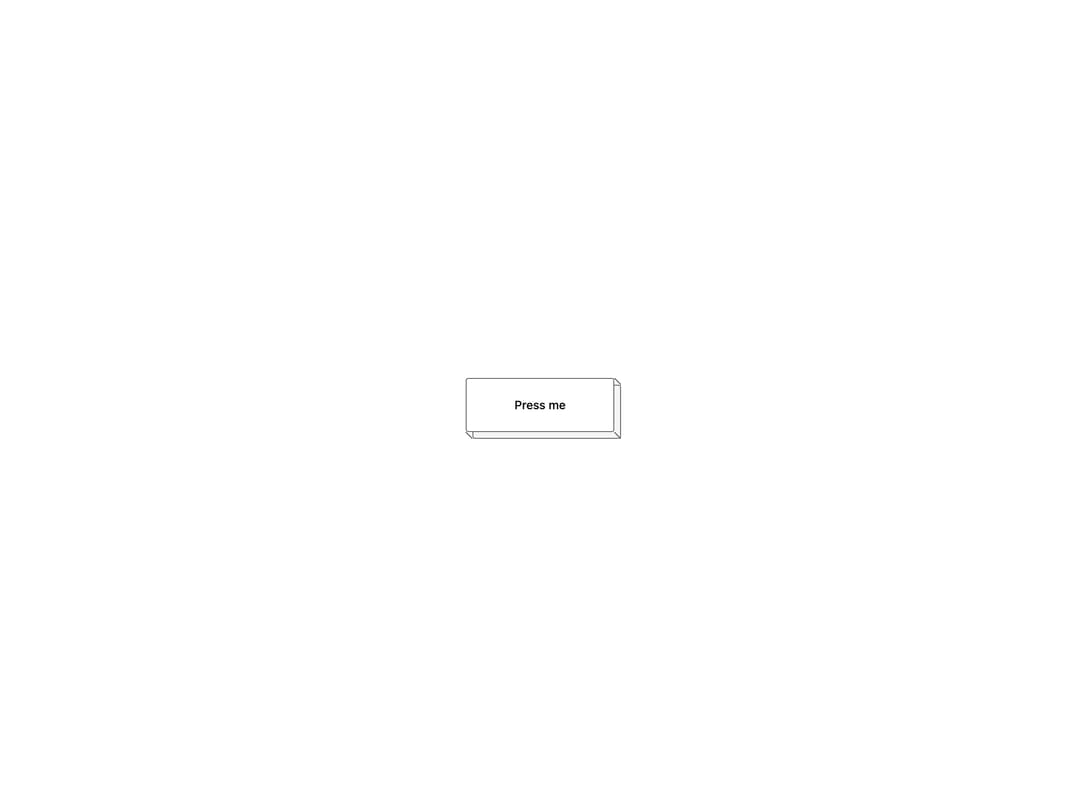
A CSS primitive that draws the line-art depth and side face beneath a UI element, so a button, card, key or tab appears to stand on a block and sinks into it when pressed.
Built with React and Tailwind. Copy the prompt and paste it into Claude Code, Cursor or Lovable: your agent adds Iso Depth to your project and fits it to your theme.
Code
How Iso Depth is used: the demo's code. The component's own source comes with a free account.
Usage.tsx
import IsoDepth, {
  isoDepth,
  isoFace,
  isoSink,
} from "@/components/ui/iso-depth";
import { cn } from "@/lib/utils";

export default function IsoDepthDemo() {
  return (
    <div className="flex min-h-[220px] w-full items-center justify-center bg-background p-10">
      <button
        type="button"
        className="group/iso relative inline-flex h-16 w-44 items-center justify-center"
        style={isoDepth(8)}
      >
        <IsoDepth sink={["active"]} />
        <span
          className={cn(
            isoFace,
            isoSink.active,
            "flex h-full w-full items-center justify-center bg-background text-sm font-medium text-foreground",
          )}
        >
          Press me
        </span>
      </button>
    </div>
  );
}
More by abhishek-mallick
View all
Isometric Bars Chart
16
Rack
9
Keys
9
Isometric Laptop
8
Isometric Cube
8
Chest
7
Nodes
7
Stack
6
More in Buttons
View all

Button
1
Texture Button
97

Eclipse Button
39

App Store Button
458

HeroUI Button Group
2
Button
4

Button
65
Button
68


