
About
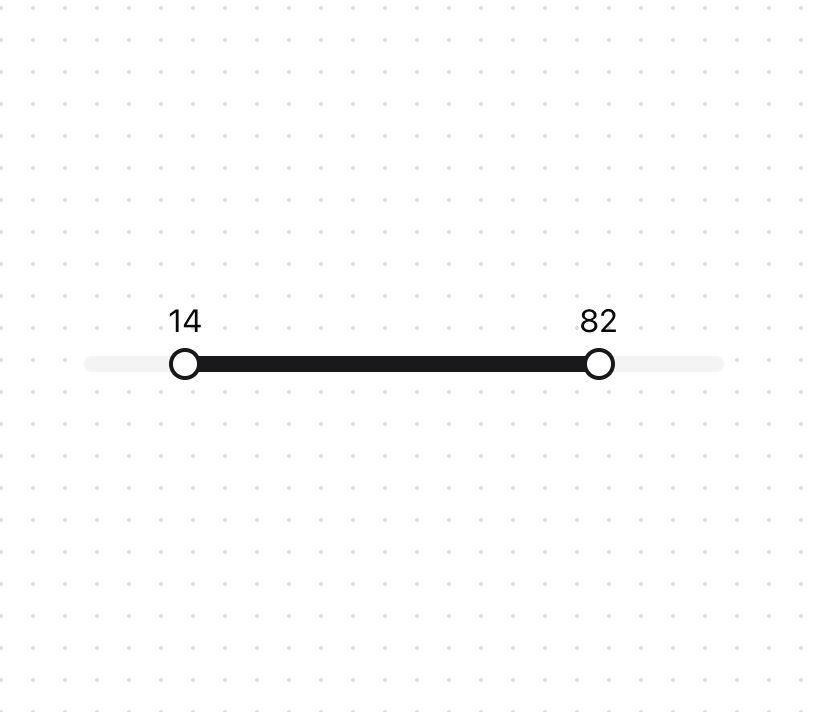
An enhancement slider that allows you to select a range of values.
Built with React and Tailwind. Copy the prompt and paste it into Claude Code, Cursor or Lovable: your agent adds Dual Range Slider to your project and fits it to your theme.
Code
How Dual Range Slider is used: the demo's code. The component's own source comes with a free account.
Usage.tsx
'use client';
import React, { useState } from 'react';
import { DualRangeSlider } from '@/components/ui/dual-range-slider';

const DualRangeSliderDemo = () => {
  const [values, setValues] = useState([0, 100]);

  return (
    <div className="w-full max-w-[400px] px-10">
      <DualRangeSlider
        label={(value) => value}
        value={values}
        onValueChange={setValues}
        min={0}
        max={100}
        step={1}
      />
    </div>
  );
};

export { DualRangeSliderDemo };
Dependencies
More by Arihant jain
View all
Footer section
1.9K
Multistep Form
710
Animated Drawer
694
Status Badge
514
Stacked Circular Footer
426
Input Modal
329
Large Name Footer
199
Profile Dropdown
196
More in Forms
View all

Premium Auth
524

Contact Card
1K

Book A Demo 1
73

Login 1
53

Form
137

Card Studio
41
SignInPage
667

Modern & Stunning sign in
1.6K
