About
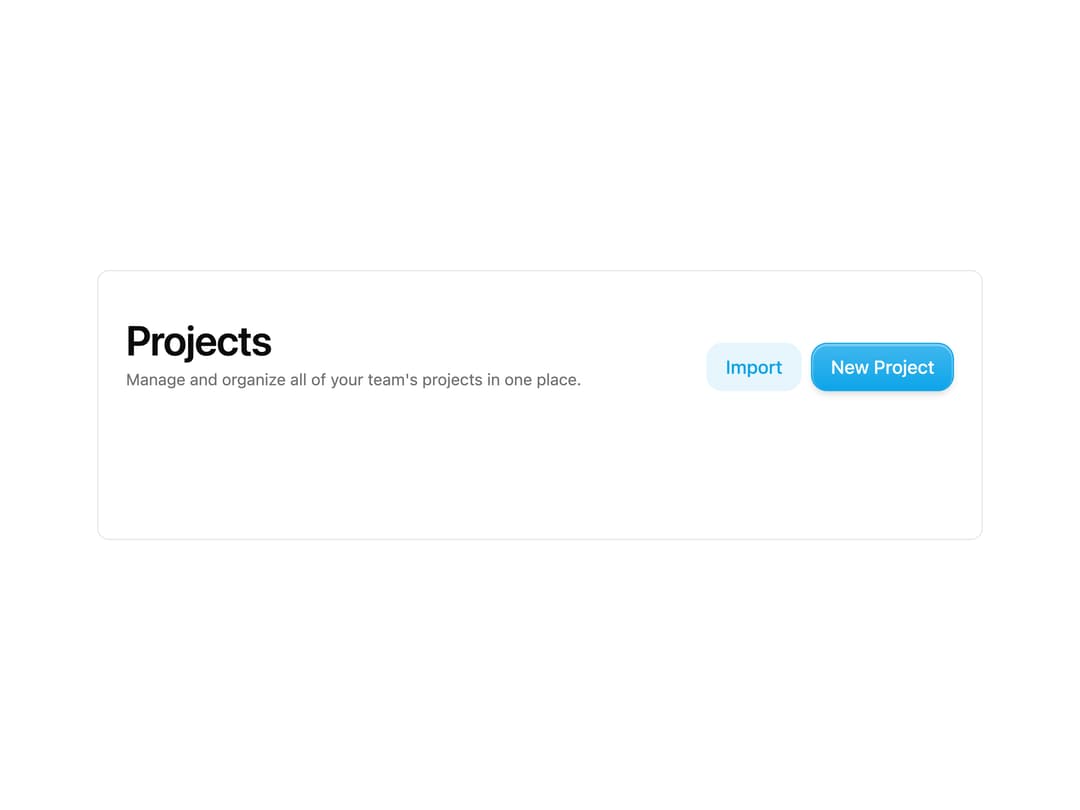
A page header with a large title, optional description, and a slot for actions to keep page layouts consistent.
Built with React and Tailwind. Copy the prompt and paste it into Claude Code, Cursor or Lovable: your agent adds Page Header to your project and fits it to your theme.
Code
How Page Header is used: the demo's code. The component's own source comes with a free account.
Usage.tsx
import { PageHeader } from "@/components/ui/page-header";
import { Button } from "@/components/ui/button";

export default function Default() {
  return (
    <div className="w-full max-w-3xl mx-auto rounded-lg border bg-background text-foreground overflow-hidden">
      <PageHeader
        title="Projects"
        description="Manage and organize all of your team's projects in one place."
      >
        <Button>New Project</Button>
      </PageHeader>
      <div className="h-32" />
    </div>
  );
}
More by asanshay
View all
Chat Reasoning
136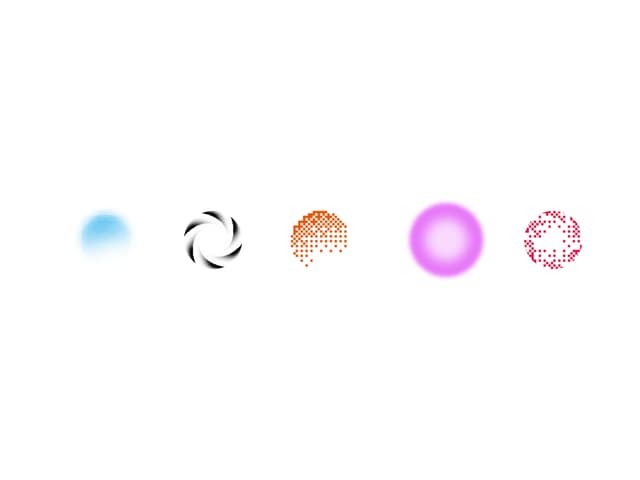
Shader Loader
73
Motion Blur Text
38
Reveal
14
Chat Tool
11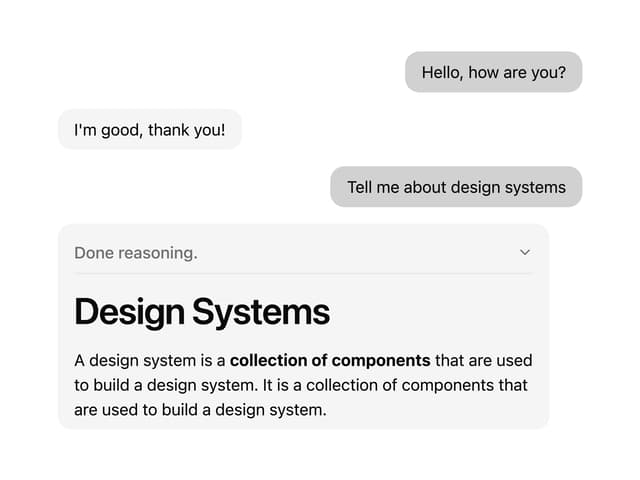
Chat Message
9
More in Buttons
View all

Button
5
Texture Button
97

Button Group


Eclipse Button
39
Button
4

HeroUI Button Group

Base Button
4

App Store Button
458

