
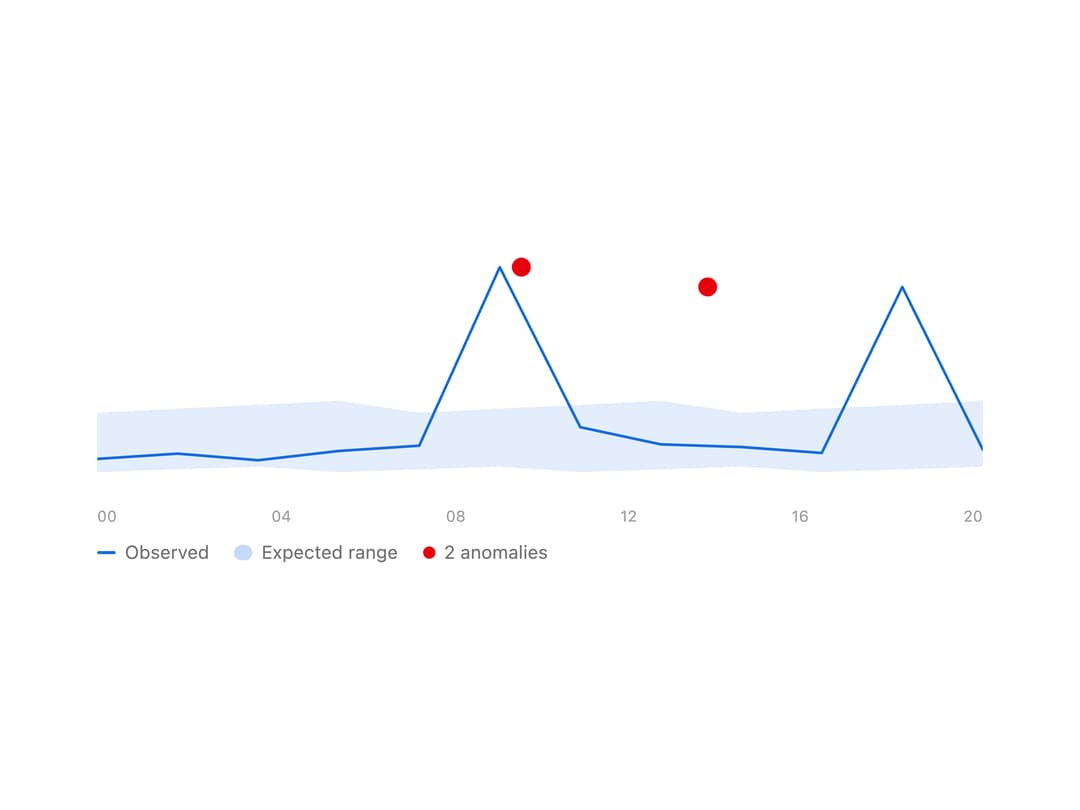
About
A line chart that plots a metric against its expected range over time and marks the points that fall outside that band as anomalies.
Built with React and Tailwind. Copy the prompt and paste it into Claude Code, Cursor or Lovable: your agent adds Anomaly Chart to your project and fits it to your theme.
Code
How Anomaly Chart is used: the demo's code. The component's own source comes with a free account.
Usage.tsx
import { AnomalyChart, type AnomalyPoint } from "@/components/ui/anomaly-chart";

const LATENCY = [120, 128, 118, 132, 140, 410, 168, 142, 138, 129, 380, 134];
const POINTS: AnomalyPoint[] = LATENCY.map((value, index) => ({
  value,
  expected: [100 + (index % 3) * 4, 190 + (index % 4) * 6],
}));
const HOURS = ["00", "04", "08", "12", "16", "20"];

export default function AnomalyChartDemo() {
  return (
    <div className="flex w-full items-center justify-center p-10">
      <div className="w-full max-w-xl">
        <AnomalyChart points={POINTS} labels={HOURS} />
      </div>
    </div>
  );
}
More by astralyxdev
View all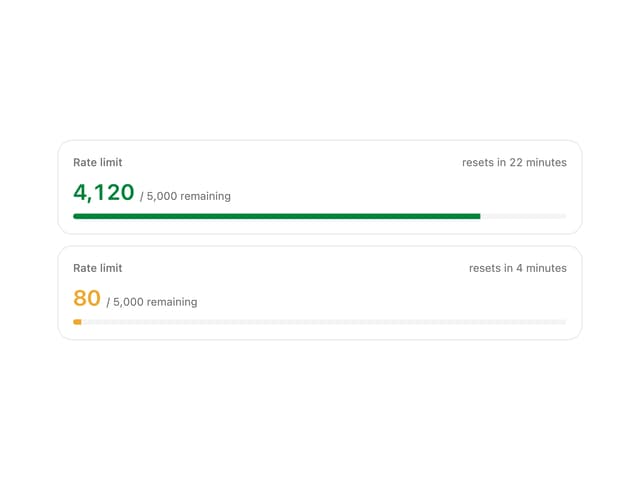
Rate Limit Meter
26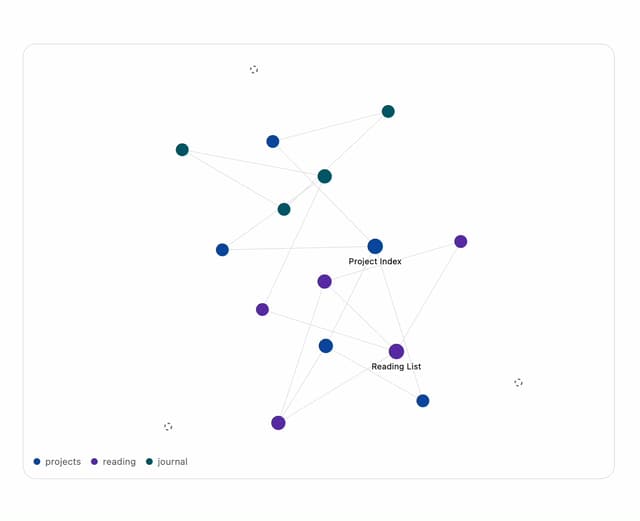
Note Graph
18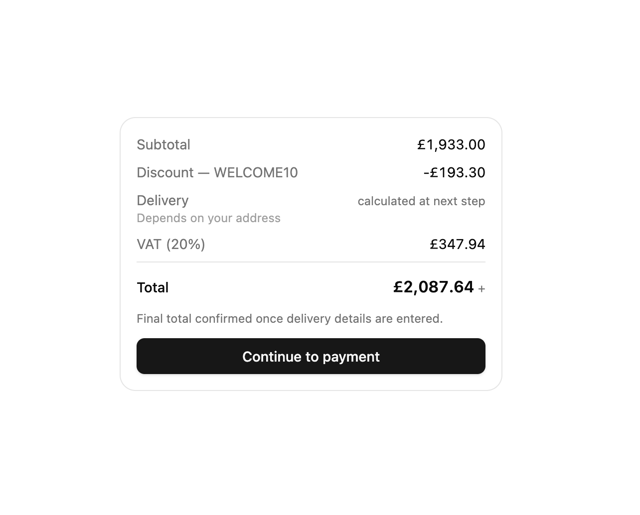
Checkout Summary
14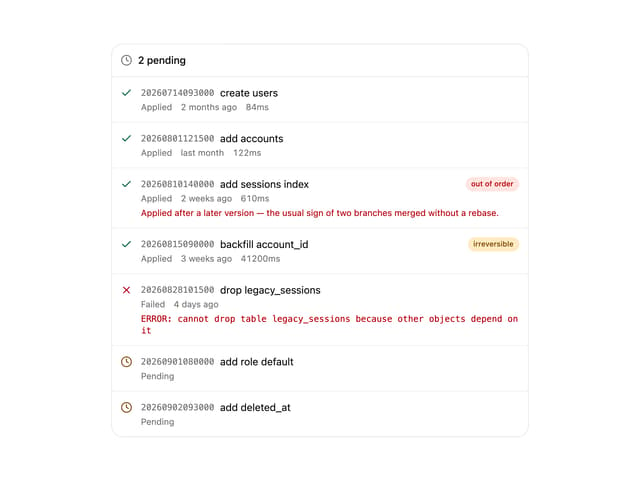
Migration List
8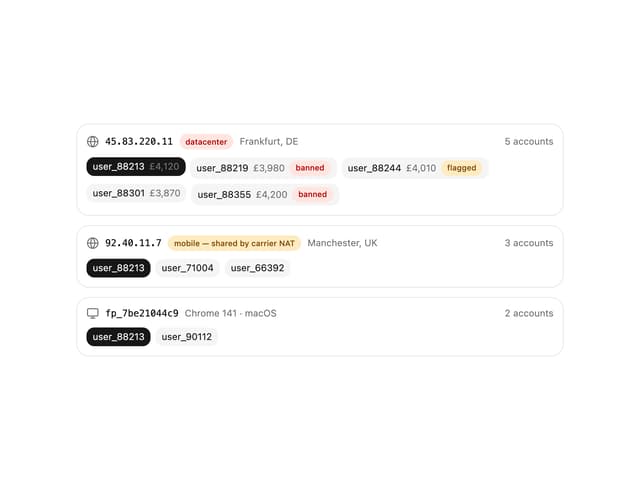
IP Cluster
8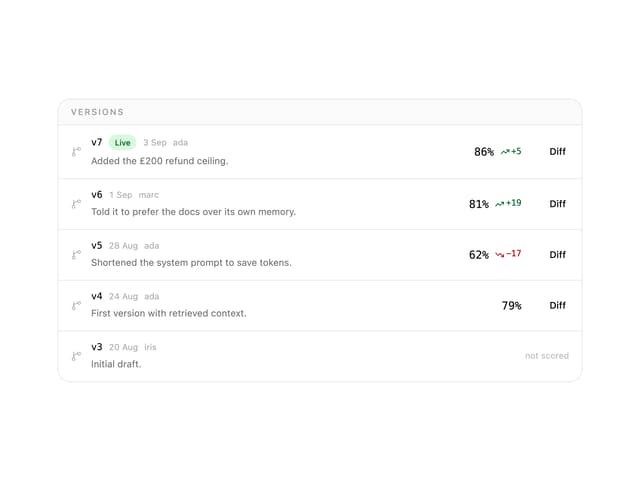
Prompt Versions
7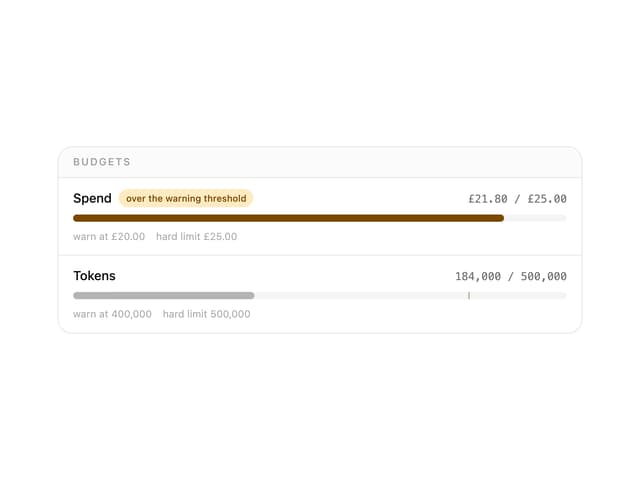
Budget Guard
7
Health Checks
6