
About
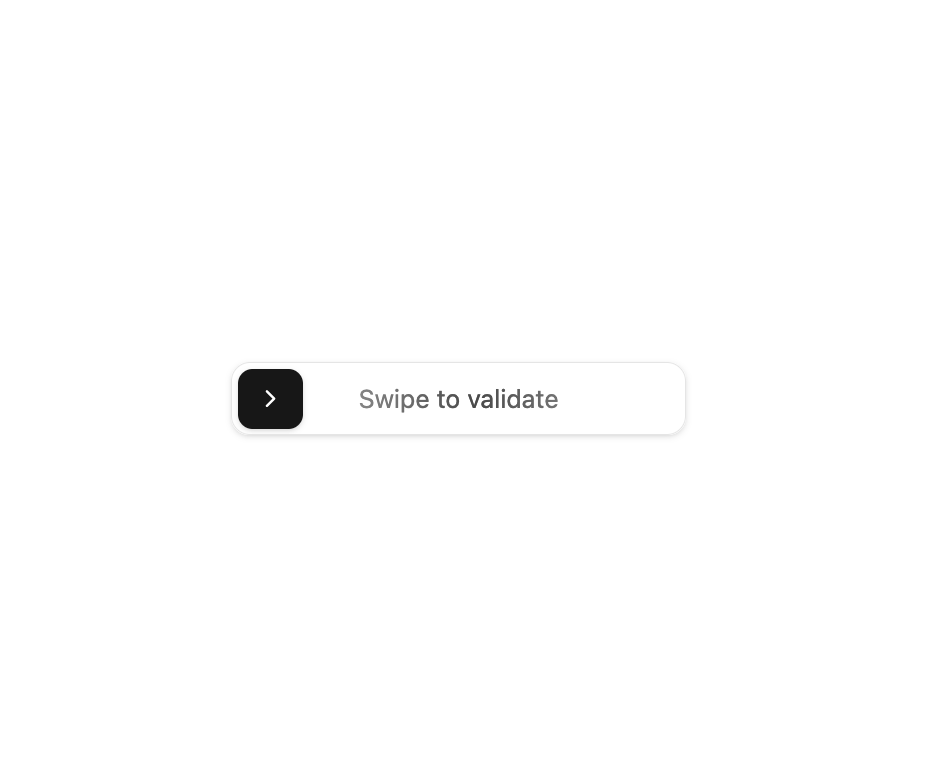
Here is Swipe Button component
Built with React and Tailwind. Copy the prompt and paste it into Claude Code, Cursor or Lovable: your agent adds Swipe Button to your project and fits it to your theme.
Code
How Swipe Button is used: the demo's code. The component's own source comes with a free account.
Usage.tsx
"use client"

import confetti from "canvas-confetti"

import { SwipeButton } from "@/components/ui/swipe-button"

export default function SwipeButtonDemo() {
  const triggerConfetti = () => {
    confetti({
      particleCount: 100,
      spread: 70,
      origin: { y: 0.6 },
    })
  }

  return (
    <div>
      <SwipeButton onSwipeComplete={triggerConfetti} />
    </div>
  )
}
Dependencies
More by badtz
View all
Animated Card Chart
1K
Animated Card Diagram
631
Animated Card
465
dock
342
Glowing Button
213
Border Beam
185
Cursor Cards
181
Star Button
87
More in Buttons
View all

Button
1
Texture Button
97

Eclipse Button
39

App Store Button
458

HeroUI Button Group
2
Button
4

Button
65
Button
68


