
About
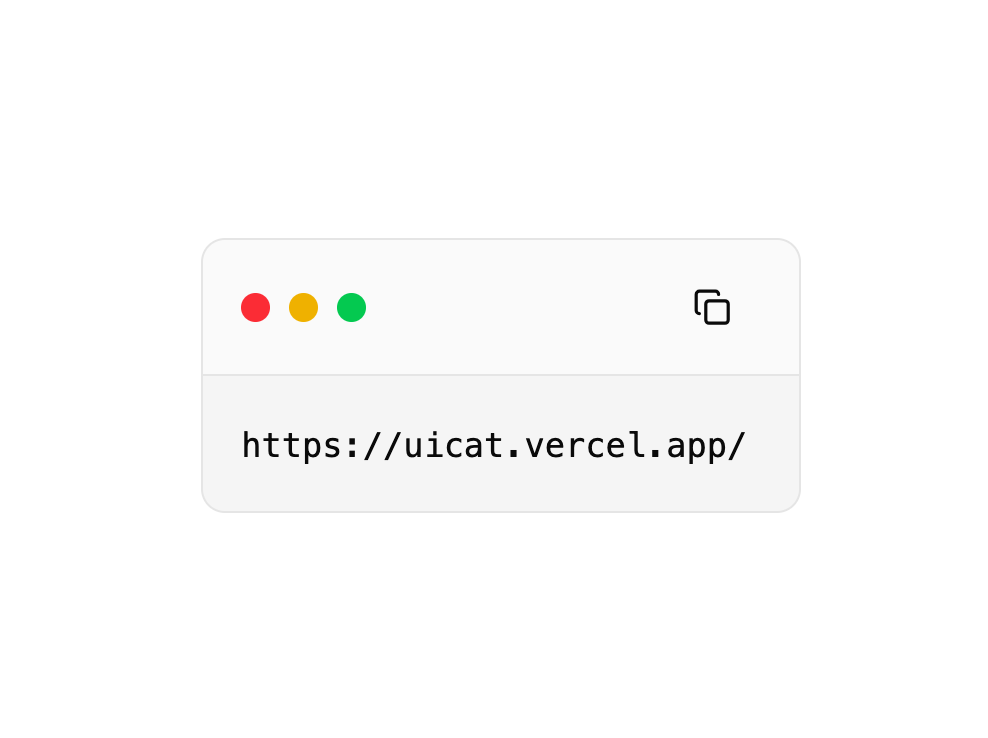
Code Snippet
Built with React and Tailwind. Copy the prompt and paste it into Claude Code, Cursor or Lovable: your agent adds Code Snippet to your project and fits it to your theme.
Code
How Code Snippet is used: the demo's code. The component's own source comes with a free account.
Usage.tsx
"use client";

import { useState } from "react";
import { Button } from "@/components/ui/button";
import { CheckIcon, CopyIcon } from "lucide-react";

interface CopyButtonProps {
  value: string;
}

export function CopyButton({ value }: CopyButtonProps) {
  const [hasCopied, setHasCopied] = useState(false);

  const copyToClipboard = async () => {
   // await navigator.clipboard.writeText(value);
    setHasCopied(true);
    setTimeout(() => setHasCopied(false), 2000);
  };

  return (
    <Button variant="ghost" size="icon" onClick={copyToClipboard}>
      {hasCopied ? (
        <CheckIcon className="h-4 w-4" color="green" />
      ) : (
        <CopyIcon className="h-4 w-4" />
      )}
      <span className="sr-only">Copy code</span>
    </Button>
  );
}
More by Berat Berkay Gökdemir
View all

AI Loader
1.4K
Hero
1.3K
Profile Card
765
Roadmap Card
572
Hero
473
Glassmorphism Profile Card
458
Highlight Card
429
Product Card
386
More in Buttons
View all

Button
5
Texture Button
97

Button Group


Eclipse Button
39
Button
4

HeroUI Button Group

Base Button
4

App Store Button
458

