
About
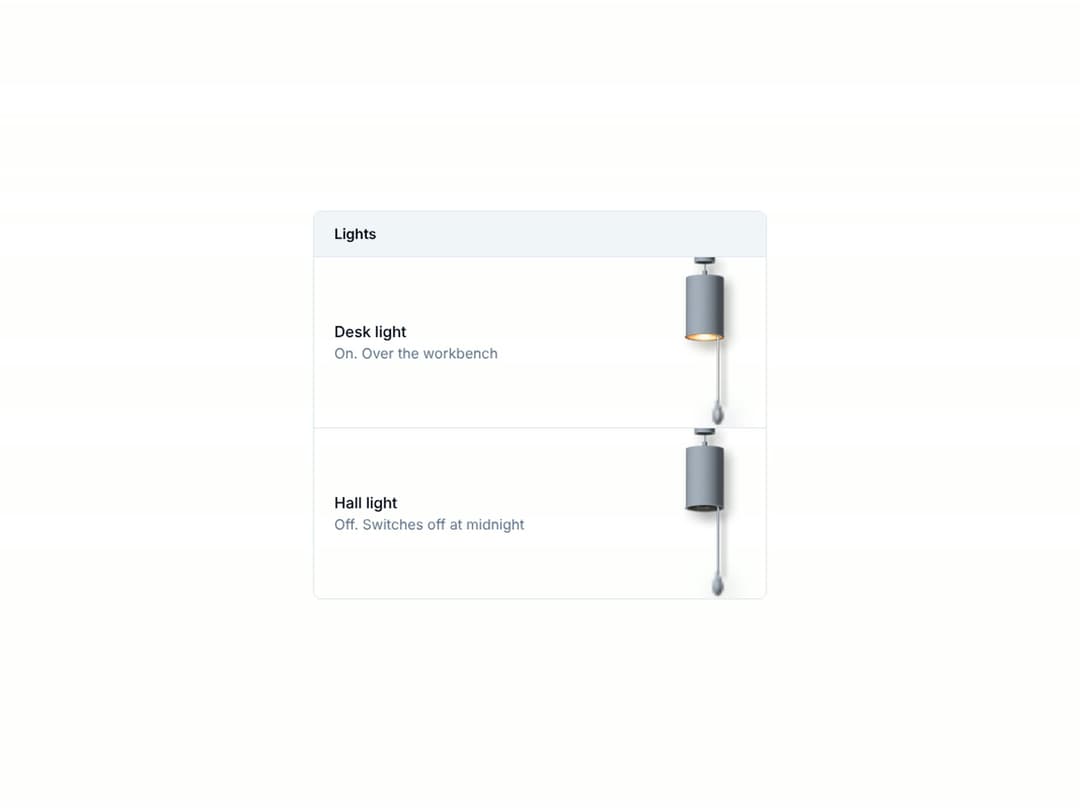
A pendant lamp that is a switch. Pull the acorn: the detent resists and snaps, the filament warms from dull red to white and the lamp sways on its cable, with its light thrown on the wall behind. Dome, tube or bare-holder shade, clear or frosted bulb. Its metal is drawn from your shadcn theme and follows .dark. MIT. More like it: tactileui.dev
Built with React and Tailwind. Copy the prompt and paste it into Claude Code, Cursor or Lovable: your agent adds Pull Cord Lamp to your project and fits it to your theme.
Code
How Pull Cord Lamp is used: the demo's code. The component's own source comes with a free account.
Usage.tsx
"use client";

import { useState } from "react";
import { PullCordLamp } from "@/components/ui/pull-cord-lamp";

const rows = [
  { id: "desk", title: "Desk light", note: "Over the workbench" },
  { id: "hall", title: "Hall light", note: "Switches off at midnight" },
];

export default function PullCordSettingsDemo() {
  const [lit, setLit] = useState<Record<string, boolean>>({ desk: true, hall: false });
  return (
    <div className="grid min-h-screen w-full place-items-center bg-background p-6 text-foreground">
      <section className="w-full max-w-md overflow-hidden rounded-lg border border-border bg-card text-card-foreground" aria-label="Lights">
        <header className="border-b border-border bg-muted px-5 py-3">
          <h2 className="m-0 text-sm font-semibold">Lights</h2>
        </header>
        <ul className="m-0 list-none divide-y divide-border p-0">
          {rows.map((r) => (
            <li key={r.id} className="flex items-center justify-between gap-4 pl-5 pr-3">
              <div>
                <p className="m-0 text-[15px] font-medium">{r.title}</p>
                <p className="m-0 text-sm text-muted-foreground">{lit[r.id] ? "On" : "Off"}. {r.note}</p>
              </div>
              <PullCordLamp size="sm" defaultOn={lit[r.id]} label={r.title} shade="tube" onChange={(on) => setLit((l) => ({ ...l, [r.id]: on }))} />
            </li>
          ))}
        </ul>
      </section>
    </div>
  );
}
More by Ciprian Titire
View all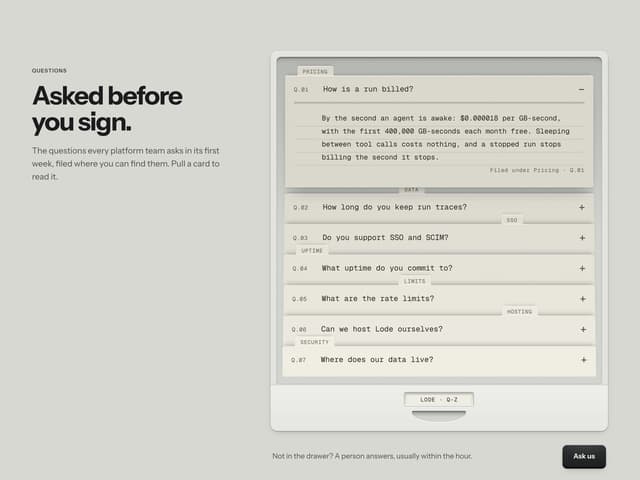
FAQ Drawer
80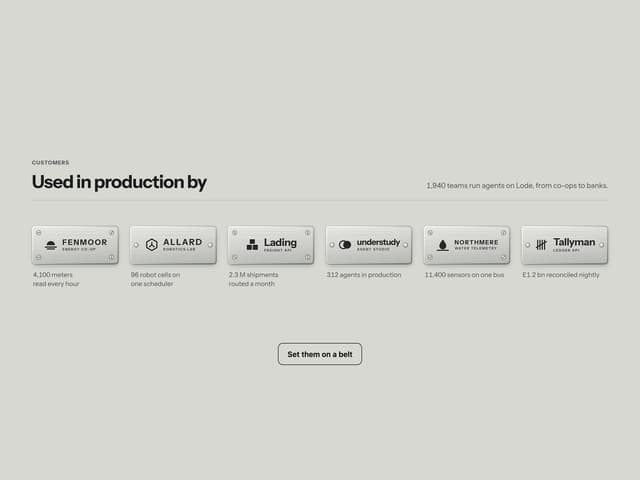
Engraved Client Plates
12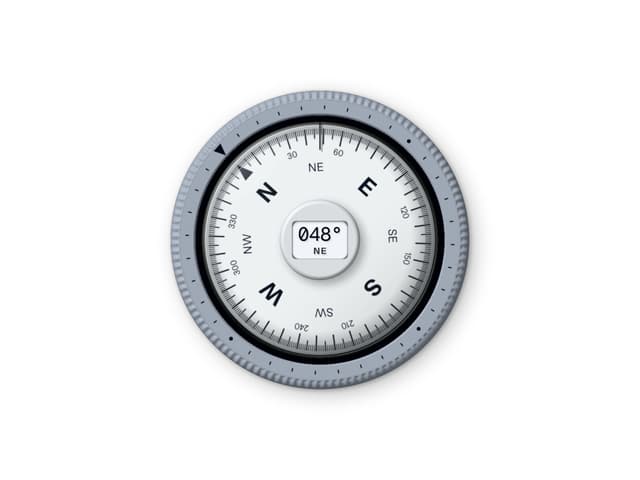
Compass
8
Mechanical Odometer
6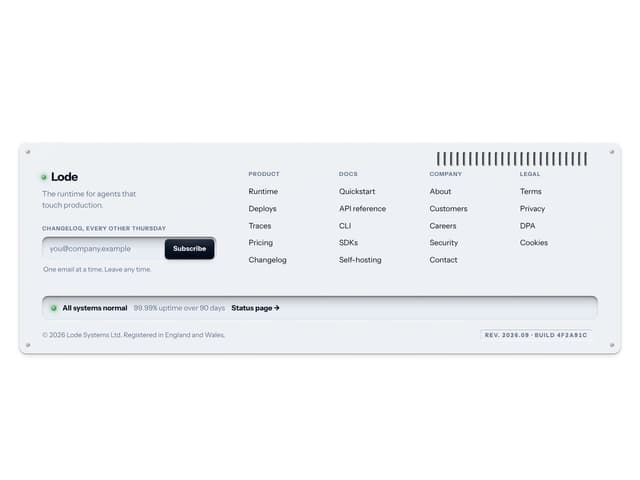
Machined Footer
4