
About
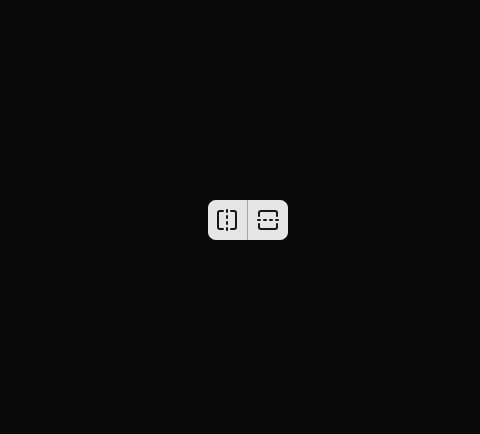
Here is Button Group component
Built with React and Tailwind. Copy the prompt and paste it into Claude Code, Cursor or Lovable: your agent adds Button Group to your project and fits it to your theme.
Code
How Button Group is used: the demo's code. The component's own source comes with a free account.
Usage.tsx
import { FlipHorizontalIcon, FlipVerticalIcon } from 'lucide-react'

import { Button } from '@/components/ui/button'

const ButtonGroupDemo = () => {
  return (
    <div className='divide-primary-foreground/30 inline-flex w-fit divide-x rounded-md shadow-xs'>
      <Button size='icon' className='rounded-none rounded-l-md shadow-none focus-visible:z-10'>
        <FlipHorizontalIcon />
        <span className='sr-only'>Flip Horizontal</span>
      </Button>
      <Button size='icon' className='rounded-none rounded-r-md shadow-none focus-visible:z-10'>
        <FlipVerticalIcon />
        <span className='sr-only'>Flip Vertical</span>
      </Button>
    </div>
  )
}

export default ButtonGroupDemo
Dependencies
More by Clevision
View all

Calendar
107
Card Studio
101
Collapsible
43
Buttons
33
Radio Group 1
30
Combobox
27
Basic Avatar
26
Switch
23
More in Buttons
View all

Button
5
Texture Button
97

Button Group


Eclipse Button
39
Button
4

HeroUI Button Group

Base Button
4

App Store Button
458

