
About
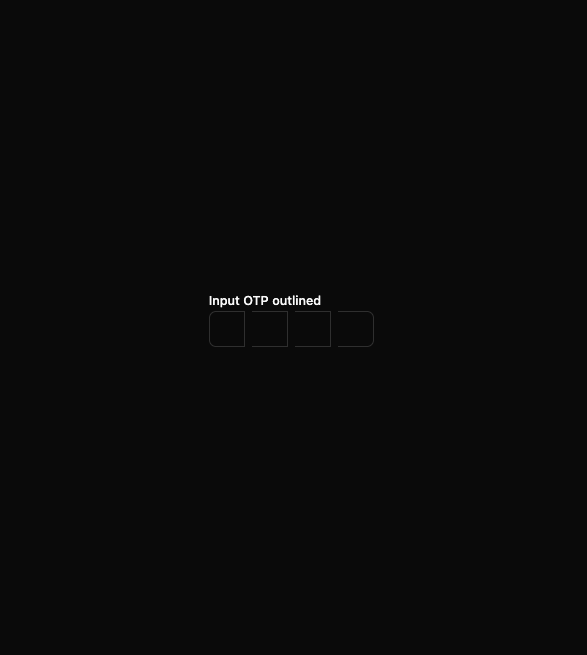
Here is Input OTP component
Built with React and Tailwind. Copy the prompt and paste it into Claude Code, Cursor or Lovable: your agent adds Input OTPs to your project and fits it to your theme.
Code
How Input OTPs is used: the demo's code. The component's own source comes with a free account.
Usage.tsx
import { useId } from 'react'

import { InputOTP, InputOTPGroup, InputOTPSlot } from '@/components/ui/input-otp'
import { Label } from '@/components/ui/label'

const InputOTPOutlinedDemo = () => {
  const id = useId()

  return (
    <div className='space-y-3'>
      <Label htmlFor={id}>Input OTP outlined</Label>
      <InputOTP id={id} maxLength={4}>
        <InputOTPGroup className='gap-2 *:data-[slot=input-otp-slot]:rounded-md *:data-[slot=input-otp-slot]:border'>
          <InputOTPSlot index={0} />
          <InputOTPSlot index={1} />
          <InputOTPSlot index={2} />
          <InputOTPSlot index={3} />
        </InputOTPGroup>
      </InputOTP>
    </div>
  )
}

export default InputOTPOutlinedDemo
Dependencies
More by Clevision
View all

Calendar
107
Card Studio
101
Collapsible
43
Button Group
38
Buttons
33
Radio Group 1
30
Combobox
27
Basic Avatar
26
More in Forms
View all

Premium Auth
524

Contact Card
1K

Book A Demo 1
73

Login 1
53

Form
137
SignInPage
667

Modern & Stunning sign in
1.6K

Split Sign In Form
46
