

Identifier-first login form for React and Tailwind CSS (shadcn/ui) with email-based SSO routing, social sign-in, and remembered passkeys. One field finds the right sign-in method, with detection after you finish typing and one clear switch to the suggested action. Hints stay quiet while you type; detection waits 400ms after your last edit, or happens immediately on Enter or blur. The same provider button moves into the primary position when your email matches a route. Choosing a social or password action keeps the layout still, with brief in-button progress and disabled alternatives. Includes a last-used badge, expandable password fallback, biometric progress, controlled email and status, accessible method announcements, reduced-motion support, and a 7.2-second interactive demo showing SSO followed by a remembered passkey. Use it on SaaS, workspace, or web app login pages. Authentication remains in your app: connect onContinue(method, email) to your sign-in flow. Client routes are presentation hints; resolve routing and account availability on your server. Supply only locally remembered accounts, never an account directory.
Built with React and Tailwind. Copy the prompt and paste it into Claude Code, Cursor or Lovable: your agent adds Identifier First Login to your project and fits it to your theme.
Code
How Identifier First Login is used: the demo's code. The component's own source comes with a free account.
Usage.tsx
"use client";

import * as React from "react";
import { IdentifierFirstLogin } from "@/components/ui/identifier-first-login";
import type { IdentifierFirstLoginProps, LoginDemoStep, LoginMethod, LoginStatus } from "@/components/ui/identifier-first-login";

const DEMO_SEQUENCE: LoginDemoStep[] = [
  { at: 300, email: "[email protected]", typeFor: 1100 },
  { at: 3800, email: "[email protected]", typeFor: 400 },
  { at: 5200, status: "pending" },
  { at: 6200, status: "success" },
];
const DEMO_ROUTES: IdentifierFirstLoginProps["routes"] = [
  { domain: "acme.com", method: "sso", label: "Acme SSO" },
  { domain: "gmail.com", method: "google" },
  { domain: "outlook.com", method: "microsoft" },
  { domain: "icloud.com", method: "apple" },
];
const DEMO_ACCOUNTS: IdentifierFirstLoginProps["knownAccounts"] = [
  { email: "[email protected]", name: "Sam", avatar: "https://cdn.21st.dev/assets/mirror/08/083512c392e5be2f238b60666489cd2cb04e213d5ded7ae83a6f941896c2e993.jpg", method: "passkey" },
];
const METHOD_NAMES = { google: "Google", microsoft: "Microsoft", apple: "Apple", password: "Password", sso: "SSO", passkey: "Passkey" };

type DemoProps = { autoplay?: boolean; bare?: boolean; controlled?: boolean; initialEmail?: string; status?: LoginStatus; error?: string; showControls?: boolean };

export default function LoginDemo({ autoplay = true, bare = false, controlled = false, initialEmail = "", status = "idle", error, showControls = true }: DemoProps = {}) {
  const [email, setEmail] = React.useState(initialEmail);
  const [selection, setSelection] = React.useState(null as { method: LoginMethod; email: string } | null);
  const [demoKey, setDemoKey] = React.useState(0);
  const shared: IdentifierFirstLoginProps = {
    appName: "Acme",
    logo: <svg viewBox="0 0 24 24" fill="none" className="size-6" aria-hidden="true"><path d="m4 16 8-12 8 12M7 12h10M4 20h16" stroke="currentColor" strokeWidth="2.3" strokeLinecap="round" strokeLinejoin="round" /></svg>,
    routes: DEMO_ROUTES,
    knownAccounts: DEMO_ACCOUNTS,
    lastUsed: "google",
    defaultEmail: initialEmail,
    ...(controlled ? { email, onEmailChange: setEmail } : {}),
    status,
    error,
    demoSequence: DEMO_SEQUENCE,
    demoDuration: 7200,
    onContinue: (method, nextEmail) => setSelection({ method, email: nextEmail }),
    footer: <span>A little less friction. A little more flow.</span>,
  };

  return (
    <main data-login-demo className="flex min-h-screen w-full flex-col items-center justify-center gap-3 bg-muted/40 px-4 py-4">
      <p className="w-full max-w-[400px] px-1 text-center text-[11px] font-medium text-muted-foreground">One field. The right sign-in method.</p>
      {bare ? <IdentifierFirstLogin key={demoKey} {...shared} /> : <IdentifierFirstLogin key={demoKey} {...shared} autoplay={autoplay} />}
      {showControls && <div className="grid h-[15px] w-[280px] max-w-full grid-cols-[1fr_auto_auto] items-center gap-2 text-[10px] text-muted-foreground"><span data-login-caption className="text-left">{selection ? `Demo only · ${METHOD_NAMES[selection.method]} selected` : bare || !autoplay ? "Try your email" : "Interactive preview"}</span><span aria-hidden="true">·</span><button type="button" data-replay onClick={() => { setSelection(null); setEmail(initialEmail); setDemoKey(demoKey + 1); }} className="rounded px-1 underline decoration-border underline-offset-4 hover:text-foreground focus-visible:outline-none focus-visible:ring-2 focus-visible:ring-ring">Replay</button></div>}
      {selection && <output data-callback className="sr-only">Demo selection: {selection.method} · {selection.email}</output>}
    </main>
  );
}
Dependencies
More by DHxWhy
View all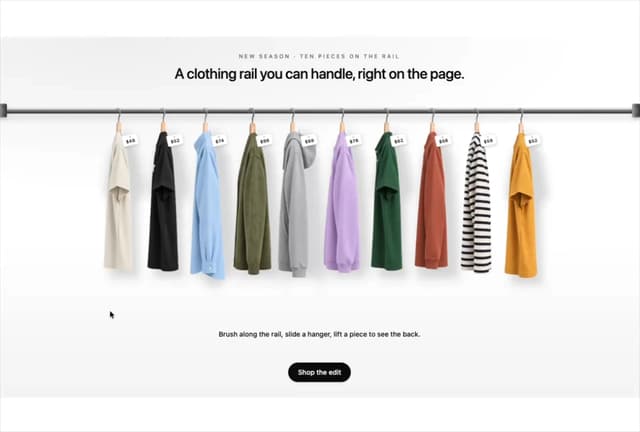

Product Rail Gallery – Fashion Store Hero Section
1.1K
Sun Moon Dark Mode Theme Toggle
256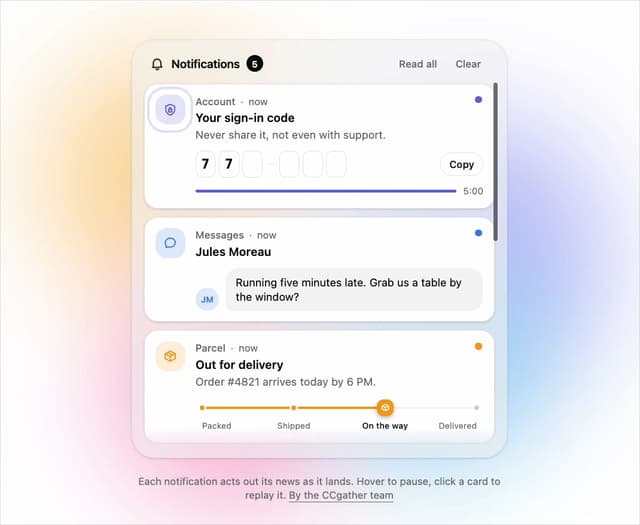
Live Notification Feed
142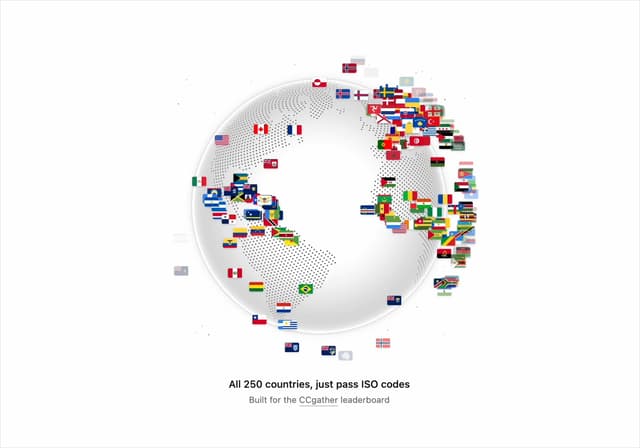
Country Flags Globe
128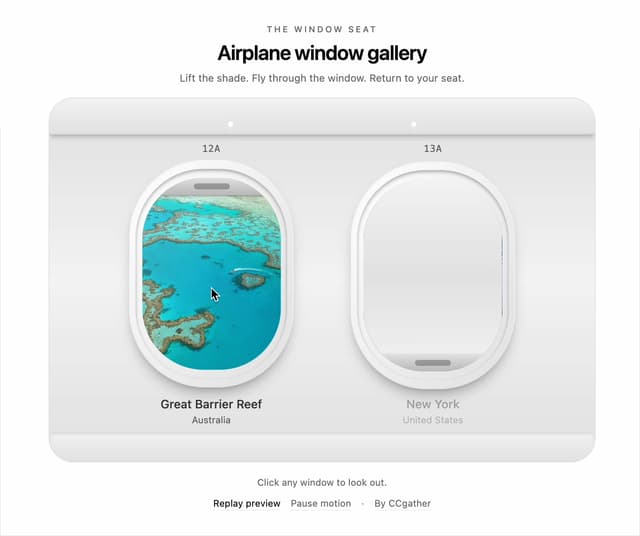
Airplane Window Gallery
117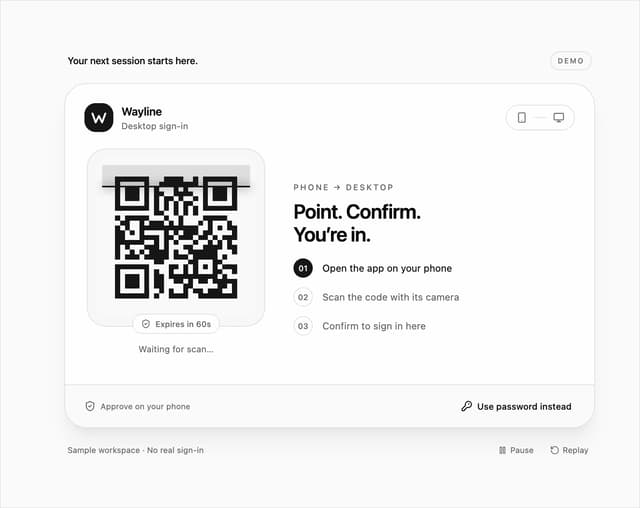
QR Code Scan Login Form with Password Fallback
110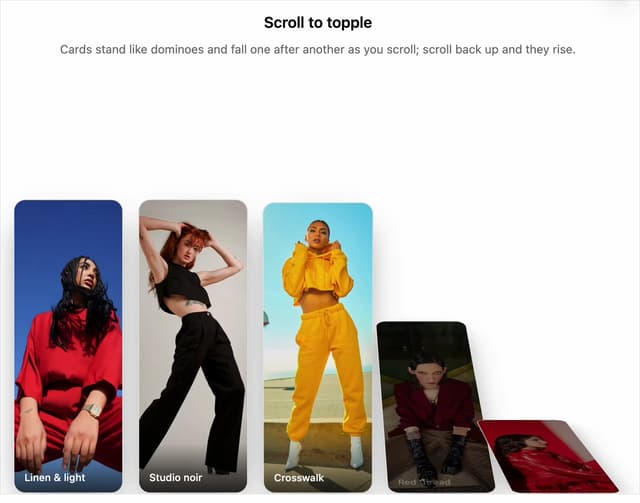
Domino Scroll Image Gallery
109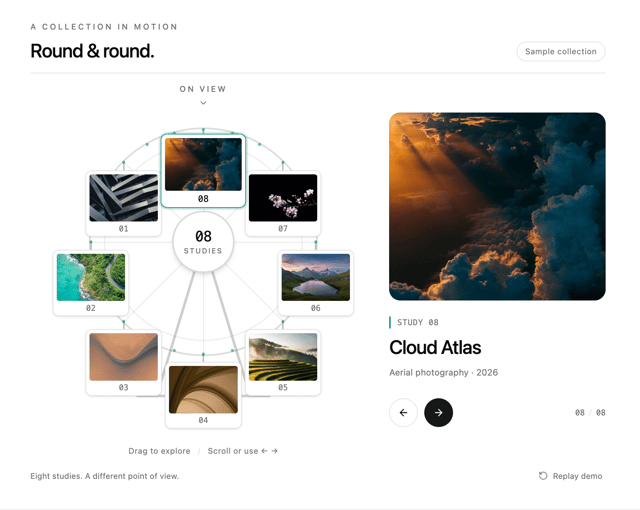
Ferris Wheel Image Gallery
102
More in Sign-in
View all
SignInPage
667

Modern & Stunning sign in
1.6K

Sign In Form
206
Clean & Minimal sign in
631
Sign In
98
Sign In Card
18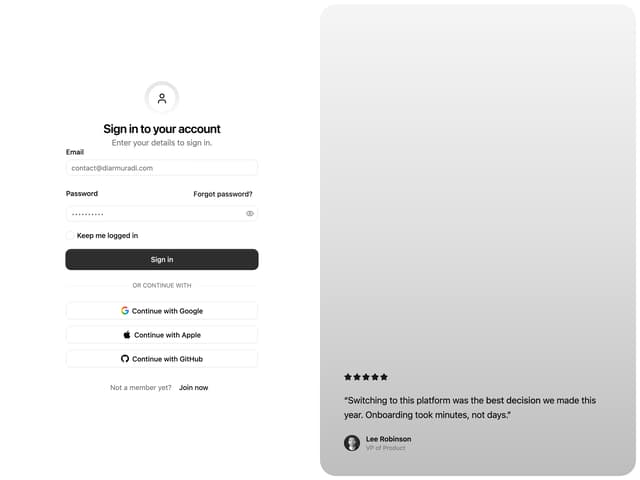

Split Sign In Form
46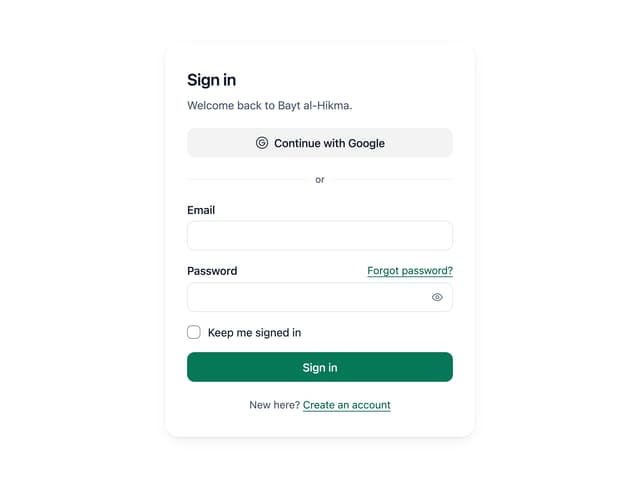
Sign In Auth Card
3


