
About
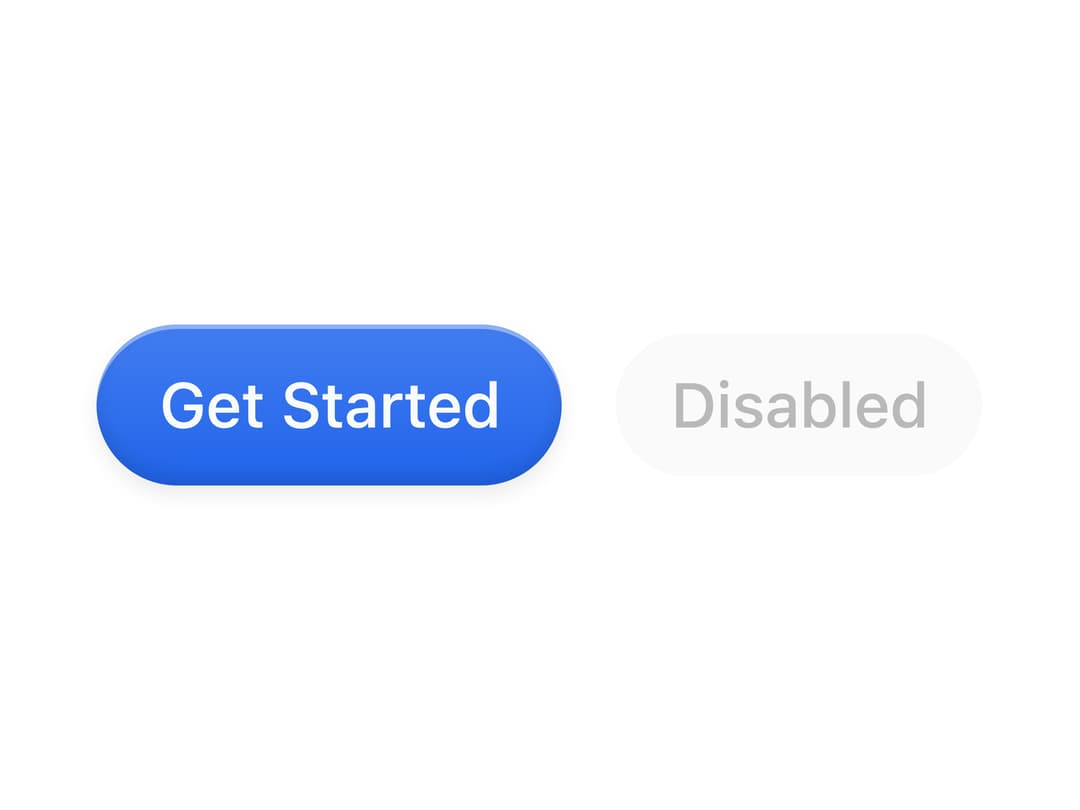
A rounded button with a glossy top-light gradient and inset sheen, built on Base UI's Button primitive with size variants.
Built with React and Tailwind. Copy the prompt and paste it into Claude Code, Cursor or Lovable: your agent adds Gloss Button to your project and fits it to your theme.
Code
How Gloss Button is used: the demo's code. The component's own source comes with a free account.
Usage.tsx
import { GlossButton } from "@/components/ui/gloss-button";

export default function GlossButtonDemo() {
  return (
    <div className="flex min-h-[200px] w-full items-center justify-center gap-3">
      <GlossButton size="lg">Get Started</GlossButton>
      <GlossButton size="default" disabled>
        Disabled
      </GlossButton>
    </div>
  );
}
Dependencies
More by Diar Muradi
View all

Toggleable Add-on Pricing
166
Toggle Pricing Cards
79
ROI Pricing Calculator
50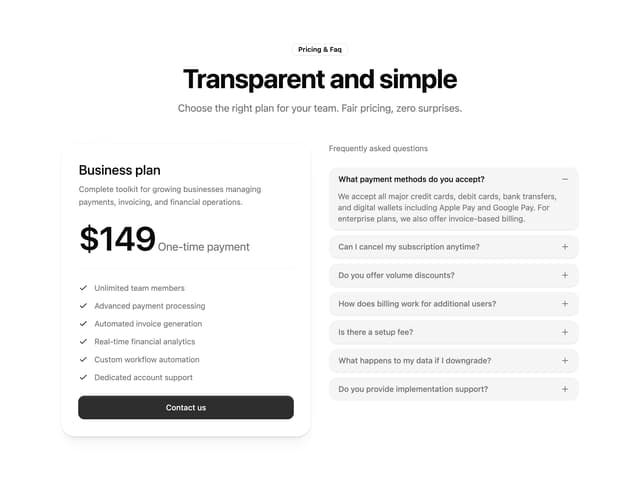
Pricing With FAQ
45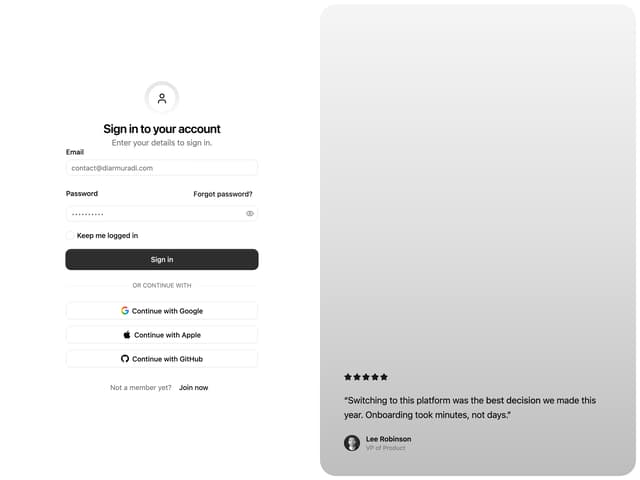
Split Sign In Form
43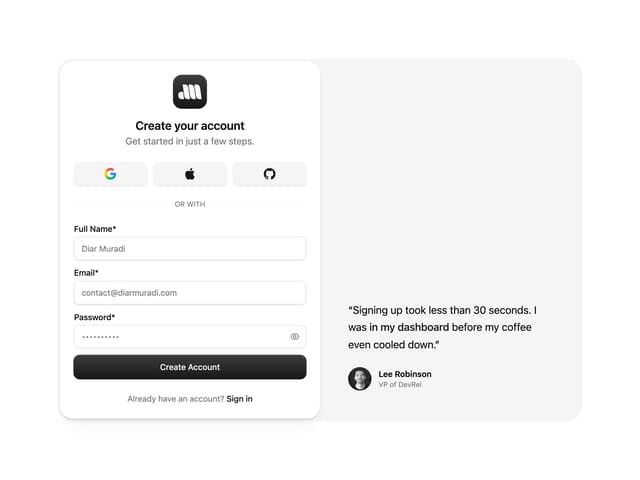
Sign Up Split Panel
43
Logo Orbit
34
Volume Pricing Card
33
More in Buttons
View all

Button Group
2

App Store Button
458
Texture Button
96

Eclipse Button
6

Button
5
Button Save
47

HeroUI Button Group

Button
9

