

About
A primary action button paired with a dropdown chevron for related actions, so a toolbar or form only needs one prominent button instead of several.
Built with React and Tailwind. Copy the prompt and paste it into Claude Code, Cursor or Lovable: your agent adds Split Button to your project and fits it to your theme.
Code
How Split Button is used: the demo's code. The component's own source comes with a free account.
Usage.tsx
"use client";

import SplitButton, { SplitButtonItem } from "@/components/ui/split-button";

export default function SplitButtonSecondaryDemo() {
  return (
    <div className="flex min-h-[320px] w-full items-center justify-center p-10">
      <SplitButton
        variant="secondary"
        menuLabel="Export formats"
        onClick={() => console.log("Export as CSV")}
        menu={
          <>
            <SplitButtonItem onSelect={() => console.log("Export as PDF")}>
              Export as PDF
            </SplitButtonItem>
            <SplitButtonItem onSelect={() => console.log("Export as JSON")}>
              Export as JSON
            </SplitButtonItem>
          </>
        }
      >
        Export as CSV
      </SplitButton>
    </div>
  );
}
Dependencies
More by ebnsina
View all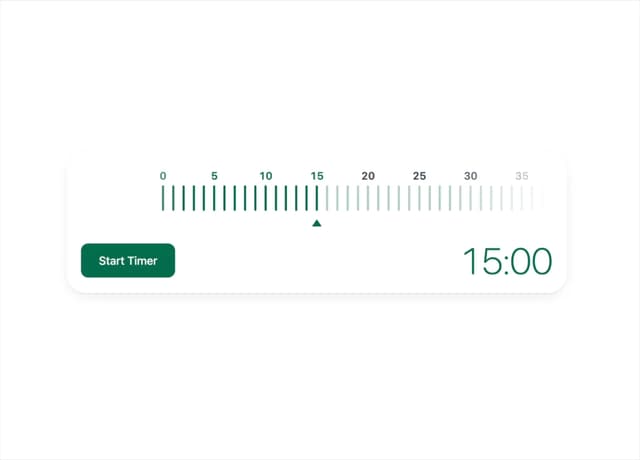
Countdown Timer
24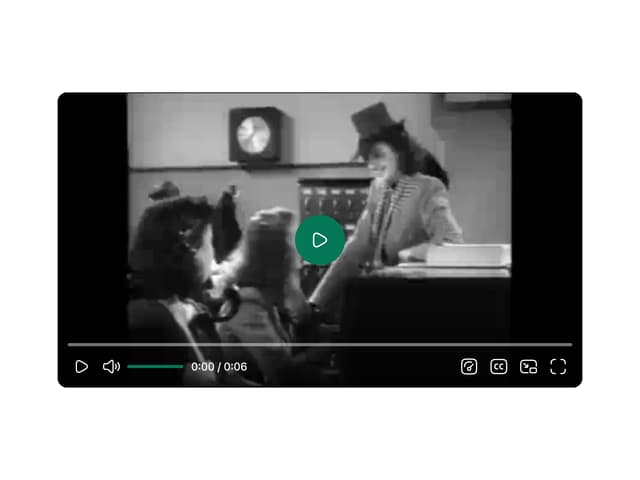
Video Player
19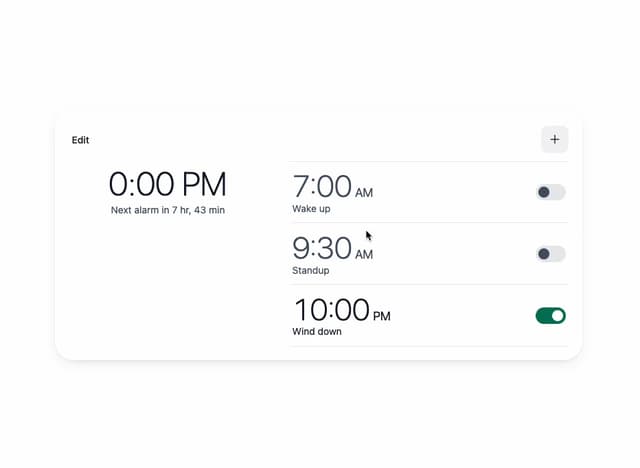
Alarm Clock
18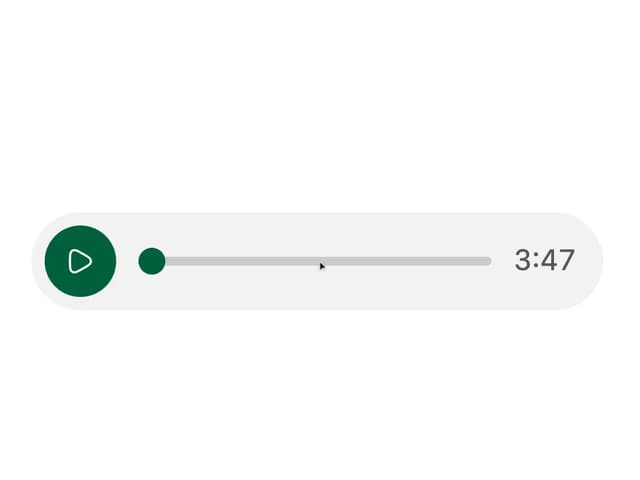
Voice Note
12
Sortable List
11
Stopwatch
6
Code Block
6
Sign In Auth Card
3
More in Buttons
View all

Button
1
Texture Button
97

Eclipse Button
39

App Store Button
458

HeroUI Button Group
2
Button
4

Button
65
Button
68


