
About
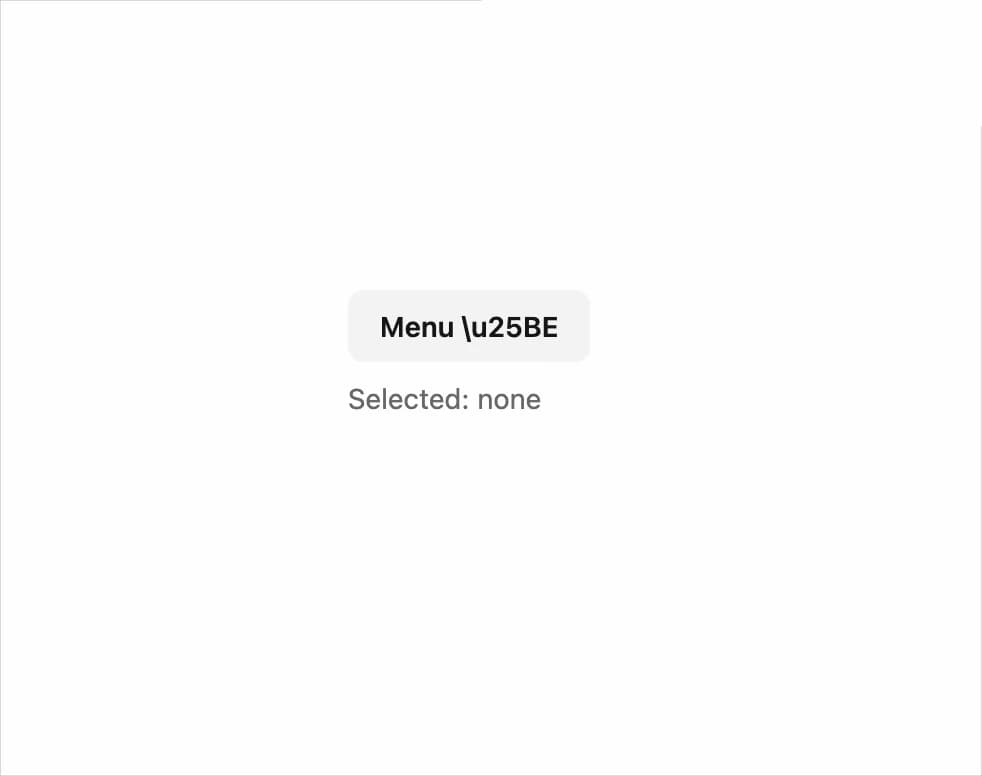
An accessible dropdown menu that flies open below a trigger element, with scale-in animation, keyboard navigation and click-to-select items.
Built with React and Tailwind. Copy the prompt and paste it into Claude Code, Cursor or Lovable: your agent adds Flyout Menu to your project and fits it to your theme.
Code
How Flyout Menu is used: the demo's code. The component's own source comes with a free account.
Usage.tsx
"use client";

import * as React from "react";
import { FlyoutMenu } from "@/components/ui/flyout-menu";

const items = [
  { id: "profile", label: "Profile", shortcut: "\u2318P" },
  { id: "billing", label: "Billing", shortcut: "\u2318B" },
  { id: "settings", label: "Settings", shortcut: "\u2318S" },
  { id: "logout", label: "Log out" },
];

export default function FlyoutMenuDemo() {
  const [selected, setSelected] = React.useState<string | null>(null);

  return (
    <div className="flex min-h-52 w-full items-center justify-center bg-background p-8 text-foreground">
      <div className="flex min-h-40 flex-col items-start gap-2">
        <FlyoutMenu
          trigger={
            <button
              type="button"
              className="rounded-md bg-accent px-4 py-2 text-sm font-semibold text-accent-foreground"
            >
              Menu \u25BE
            </button>
          }
          items={items}
          onSelect={(id) => setSelected(id)}
        />
        <p className="text-sm text-muted-foreground">
          Selected: {selected ?? "none"}
        </p>
      </div>
    </div>
  );
}
More by f0rextasy
View all
Newsletter Signup Card
10
Stamp Seal
7
Network Graph
7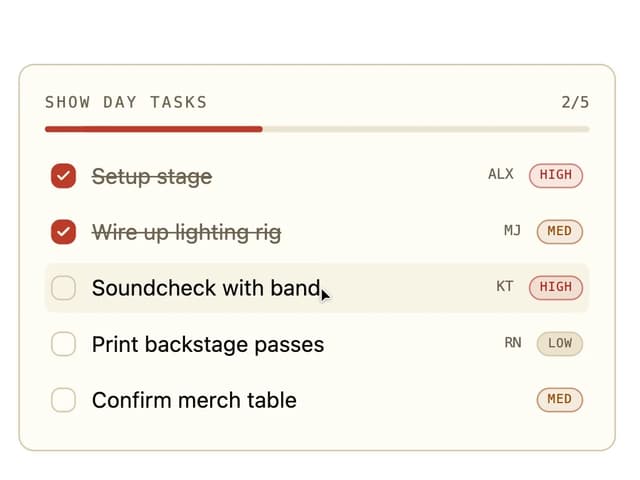
Board Checklist
5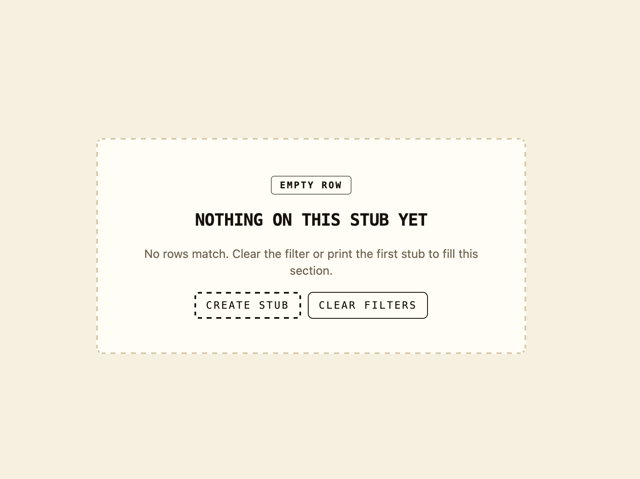
Empty State Card
3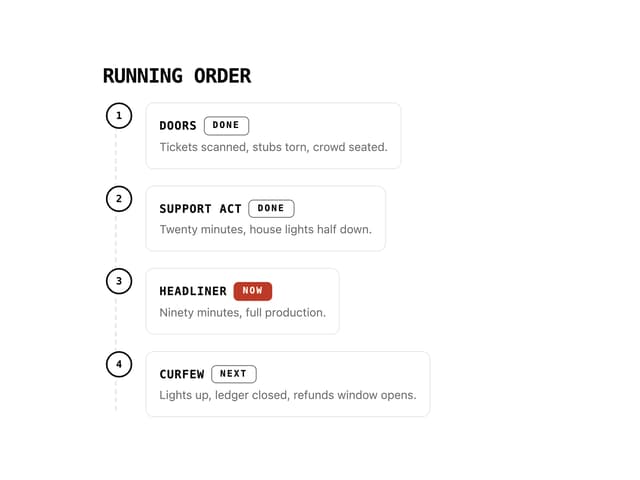
Running Order Timeline
3
Invite Modal
3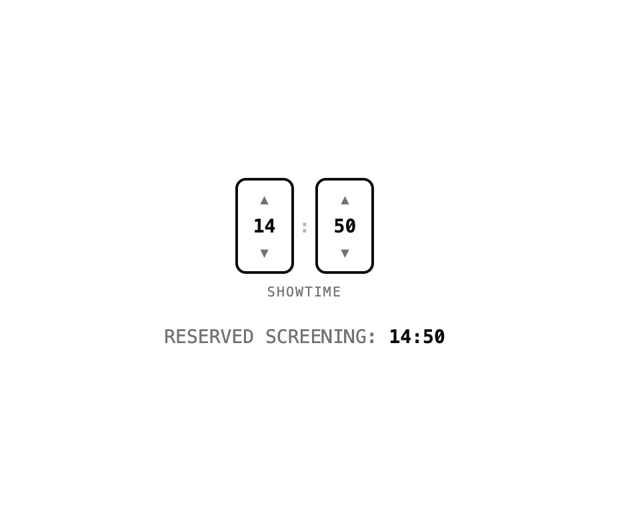
Time Input
3
More in Navigation
View all

Sidebar
287
Navbar
1

Tabs
15

Sidebar
348
Numberless Pagination with Text
11
Pagination
108
Oversized 404 Numeral
57

Breadrcrumb
4
