
About
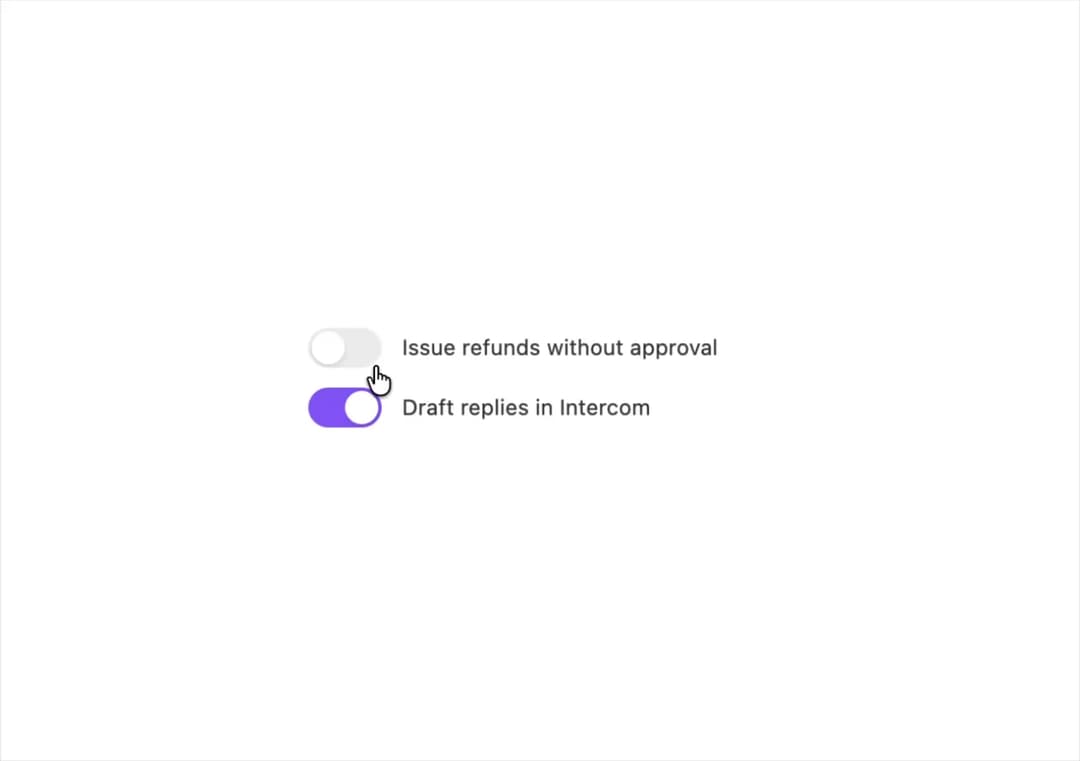
A toggleable on/off switch control for settings and preferences rows, with a label, an aria-switch role, and a spring-eased thumb animation.
Built with React and Tailwind. Copy the prompt and paste it into Claude Code, Cursor or Lovable: your agent adds Switch to your project and fits it to your theme.
Code
How Switch is used: the demo's code. The component's own source comes with a free account.
Usage.tsx
"use client";

import SwitchToggle from "@/components/ui/switch";
import { Stack } from "@/components/ui/switch-utils/shared";
import { useState } from "react";

export default function SwitchStatesDemo() {
  const [refunds, setRefunds] = useState(false);
  const [drafts, setDrafts] = useState(true);
  return (
    <Stack gap={12}>
      <SwitchToggle
        checked={refunds}
        onChange={setRefunds}
        label="Issue refunds without approval"
      />
      <SwitchToggle
        checked={drafts}
        onChange={setDrafts}
        label="Draft replies in Intercom"
      />
    </Stack>
  );
}
More by halaska-studio
View all
Dot Grid
28
Orb
15
Segmented Control
11
Combobox
6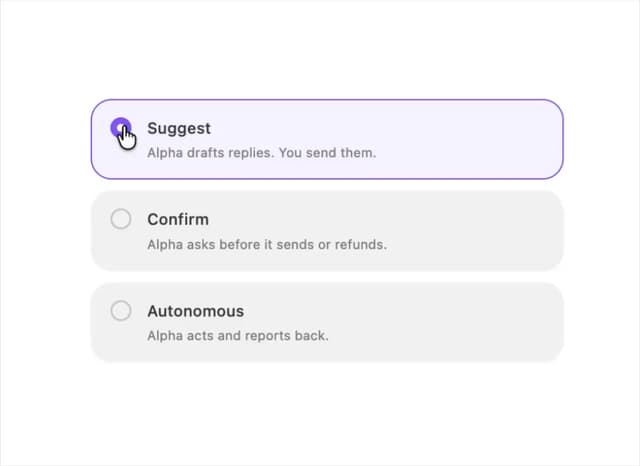
Choicebox
6
Input OTP
5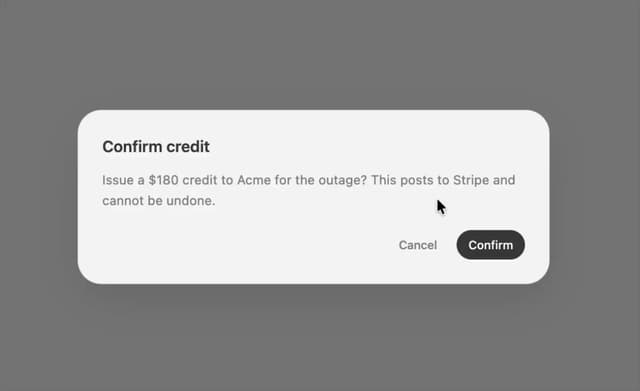
Dialog
4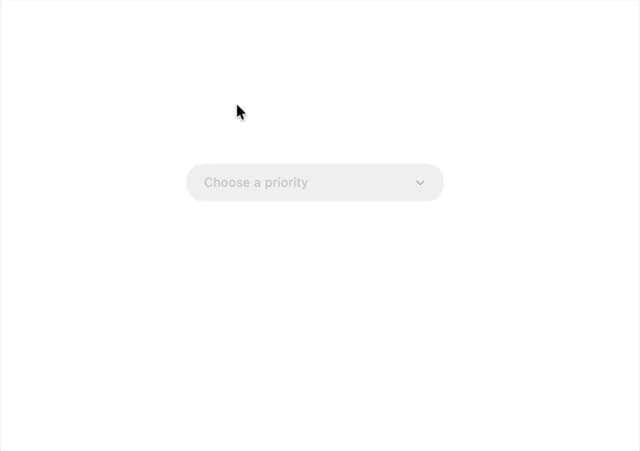
Select
3
More in Forms
View all

Premium Auth
524

Contact Card
1K

Book A Demo 1
73

Login 1
53

Form
137

Card Studio
41
SignInPage
667

Modern & Stunning sign in
1.6K
