
About
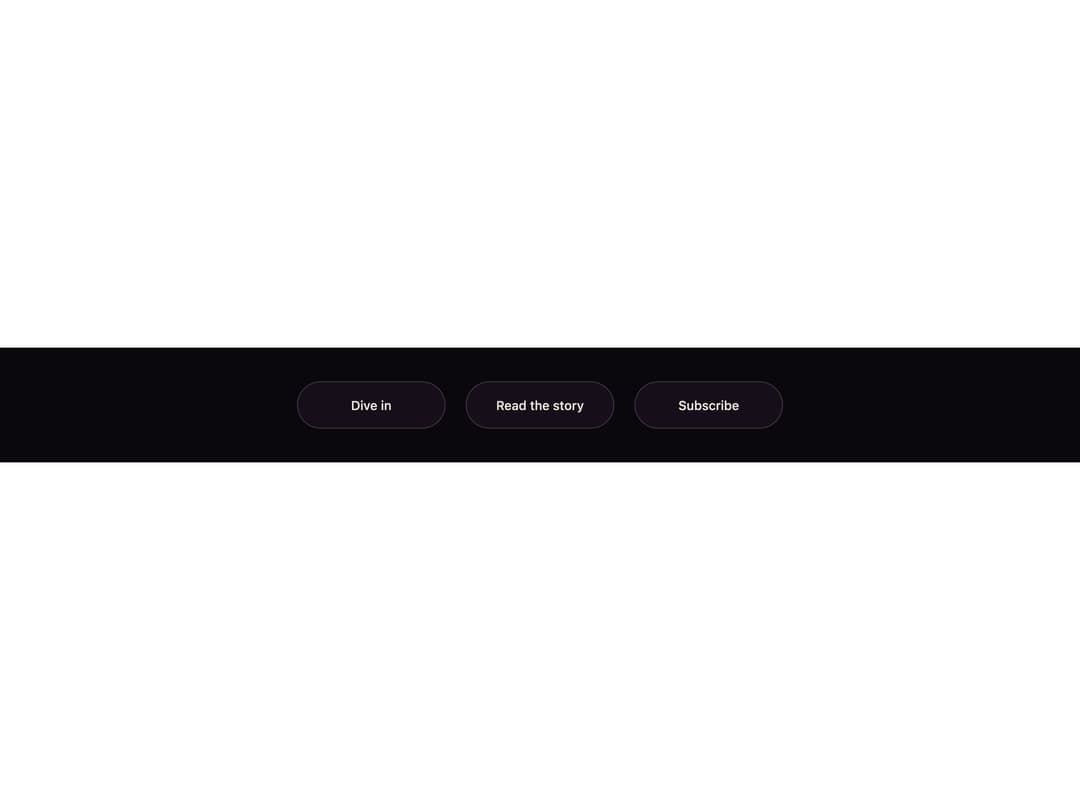
A pill button whose label is duplicated in two colors; on hover a liquid wave rises from the bottom edge, revealing the ink-colored copy exactly where it reaches.
Built with React and Tailwind. Copy the prompt and paste it into Claude Code, Cursor or Lovable: your agent adds Tidefill Button to your project and fits it to your theme.
Code
How Tidefill Button is used: the demo's code. The component's own source comes with a free account.
Usage.tsx
"use client";

import { TidefillButton } from "@/components/ui/tidefill-button";

export default function Demo() {
  return (
    <div className="flex min-h-full w-full flex-wrap items-center justify-center gap-6 bg-[#0b080d] p-10">
      <TidefillButton>Dive in</TidefillButton>
      <TidefillButton tone="lilac">Read the story</TidefillButton>
      <TidefillButton tone="cream">Subscribe</TidefillButton>
    </div>
  );
}
More by ham7a311
View all
Route Globe
70
Wave Mesh
65
Glass Tiles
56
Glyph Swell
23
Orbit Ring Stats
19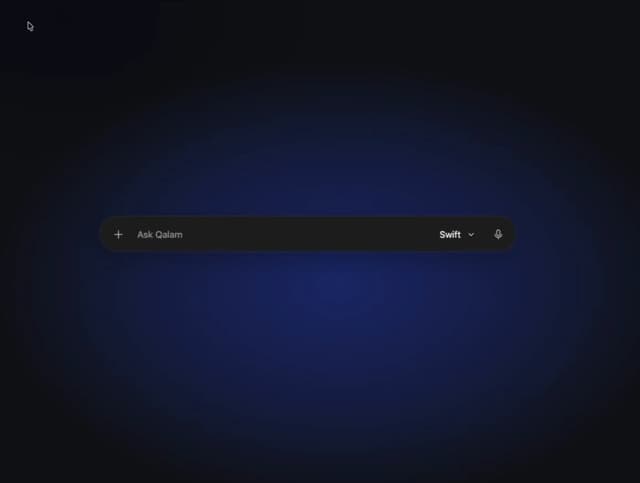
Ask Bar
18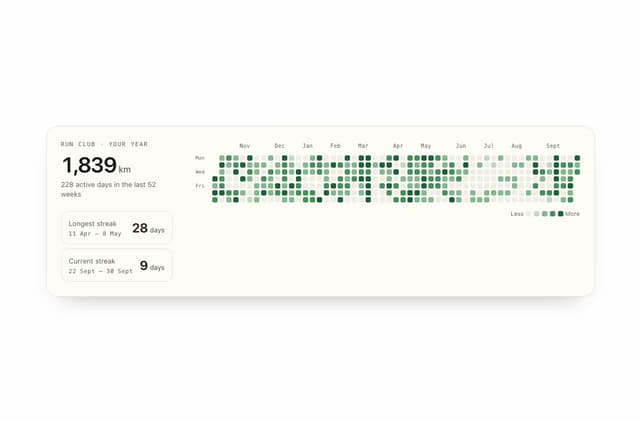
Streak Field Stats
17
Glass Carousel
17
More in Buttons
View all

Button
1
Texture Button
97

Eclipse Button
39

App Store Button
458

HeroUI Button Group
2
Button
4

Button
65
Button
68


