
About
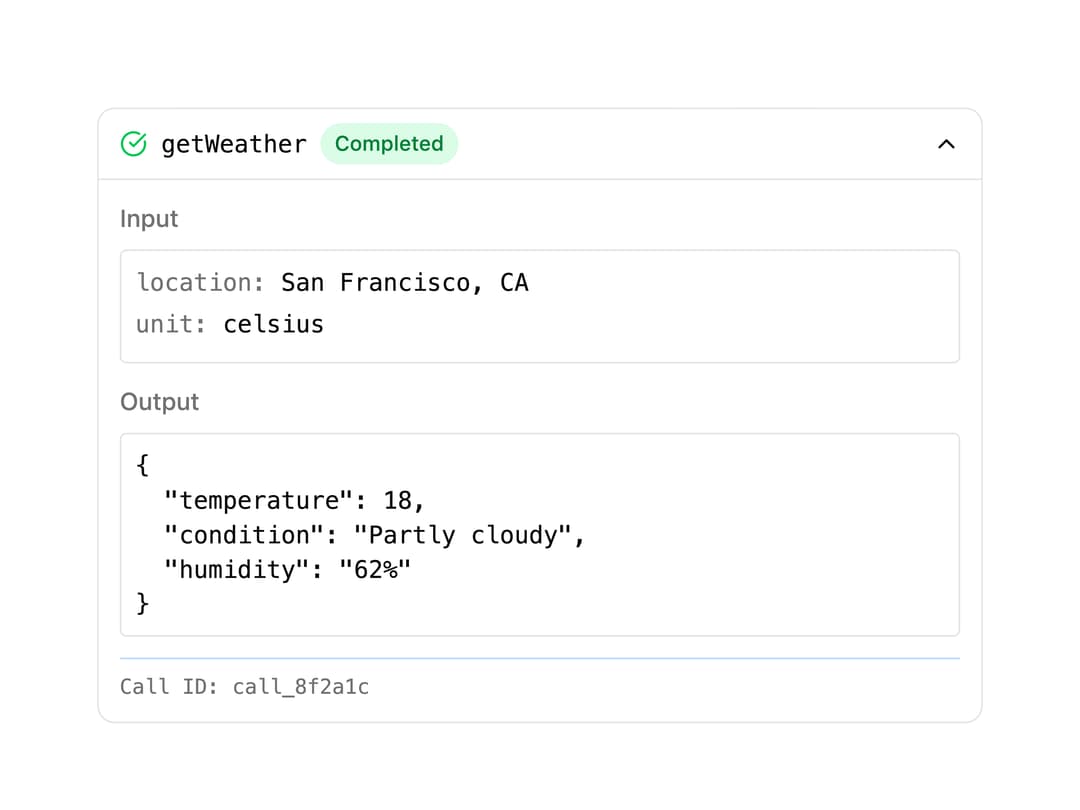
A collapsible panel that shows an AI tool call's status, input arguments, output, and errors, for visualizing tool usage in chat interfaces.
Built with React and Tailwind. Copy the prompt and paste it into Claude Code, Cursor or Lovable: your agent adds Tool Call Display to your project and fits it to your theme.
Code
How Tool Call Display is used: the demo's code. The component's own source comes with a free account.
Usage.tsx
import { Tool, type ToolPart } from "@/components/ui/tool";

const exampleToolPart: ToolPart = {
  type: "getWeather",
  state: "output-available",
  input: {
    location: "San Francisco, CA",
    unit: "celsius",
  },
  output: {
    temperature: 18,
    condition: "Partly cloudy",
    humidity: "62%",
  },
  toolCallId: "call_8f2a1c",
};

export default function ToolDemo() {
  return (
    <div className="w-full max-w-lg">
      <Tool toolPart={exampleToolPart} defaultOpen />
    </div>
  );
}
Dependencies
More by Julien Thibeaut
View all

Dock
3.1K
Text Effect
1.6K
Infinite Slider
1.5K
Text Shimmer
1.3K
Text Scramble
1.1K
Progressive blur
687
Glow Effect
614
Tailwind CSS Background Snippet
552
More in AI chats
View all

AI Actions
326
Agent Chat
18
Message Thread
45
System Message
58
Color Picker
110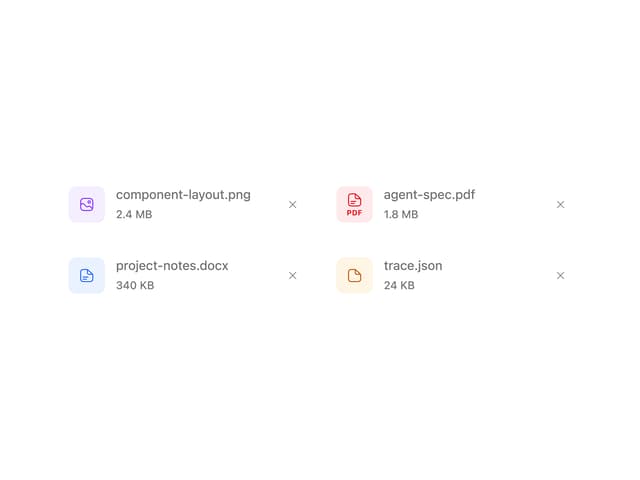
Attachments
22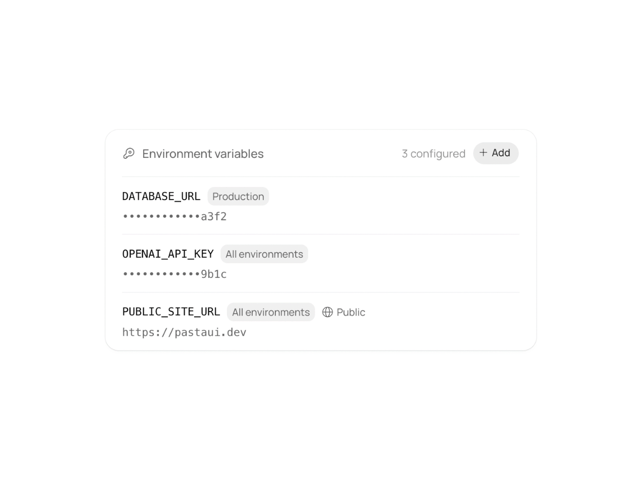
Environment Variables
14

AI Diff
74


