
About
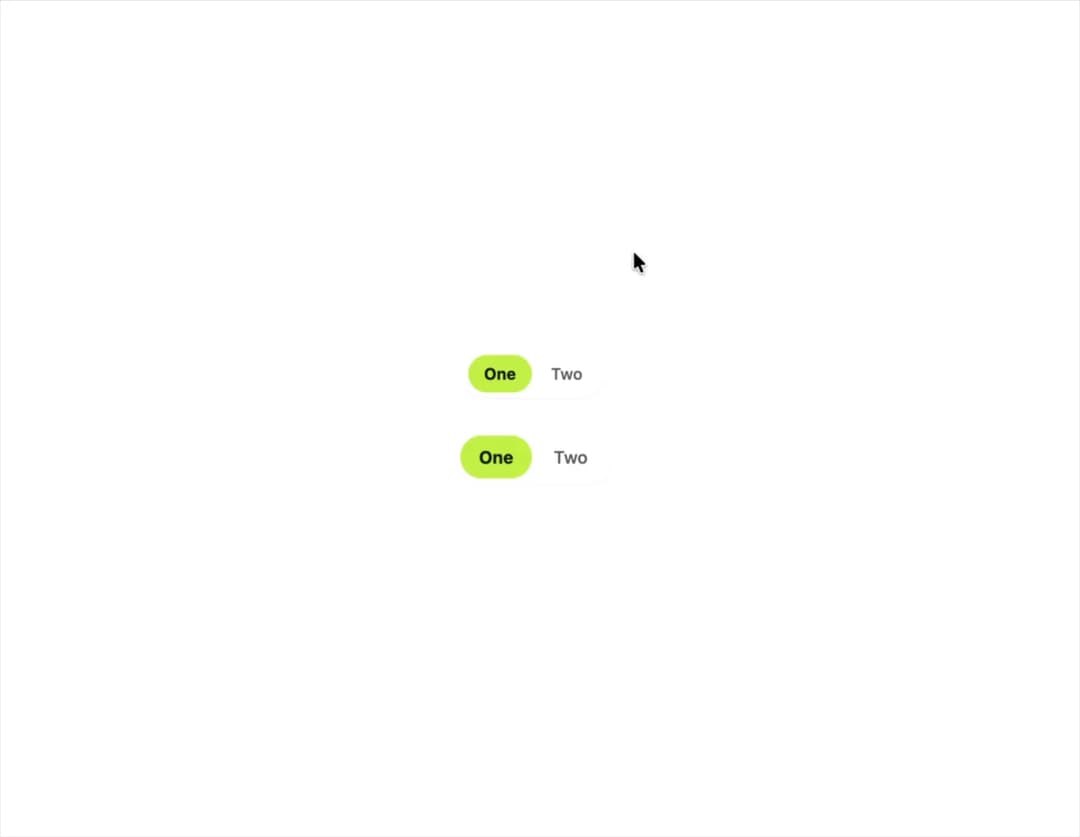
A pill-shaped single-select control for switching between a small set of options, built as an accessible radiogroup with roving arrow-key focus.
Built with React and Tailwind. Copy the prompt and paste it into Claude Code, Cursor or Lovable: your agent adds Segmented Control to your project and fits it to your theme.
Code
How Segmented Control is used: the demo's code. The component's own source comes with a free account.
Usage.tsx
"use client";

import SegmentedControl, {
  type SegmentedOption,
} from "@/components/ui/segmented-control";
import { useState } from "react";

type Choice = "one" | "two";

const options: SegmentedOption<Choice>[] = [
  { value: "one", label: "One" },
  { value: "two", label: "Two" },
];

export default function SegmentedControlSizesDemo() {
  const [sm, setSm] = useState<Choice>("one");
  const [md, setMd] = useState<Choice>("one");

  return (
    <div className="flex min-h-[200px] w-full flex-col items-center justify-center gap-6 bg-background p-10">
      <SegmentedControl
        options={options}
        value={sm}
        onValueChange={setSm}
        label="Size sm"
        size="sm"
      />
      <SegmentedControl
        options={options}
        value={md}
        onValueChange={setMd}
        label="Size md"
        size="md"
      />
    </div>
  );
}
More by klyv-ui
View all
Gantt Chart
63
Klyv Animated Beam
50
Shader Canvas
49
Pareto Chart
44
Gooey Loader
26
Sunburst Chart
24
Fluid Canvas
23
Morphing Text
21