
About
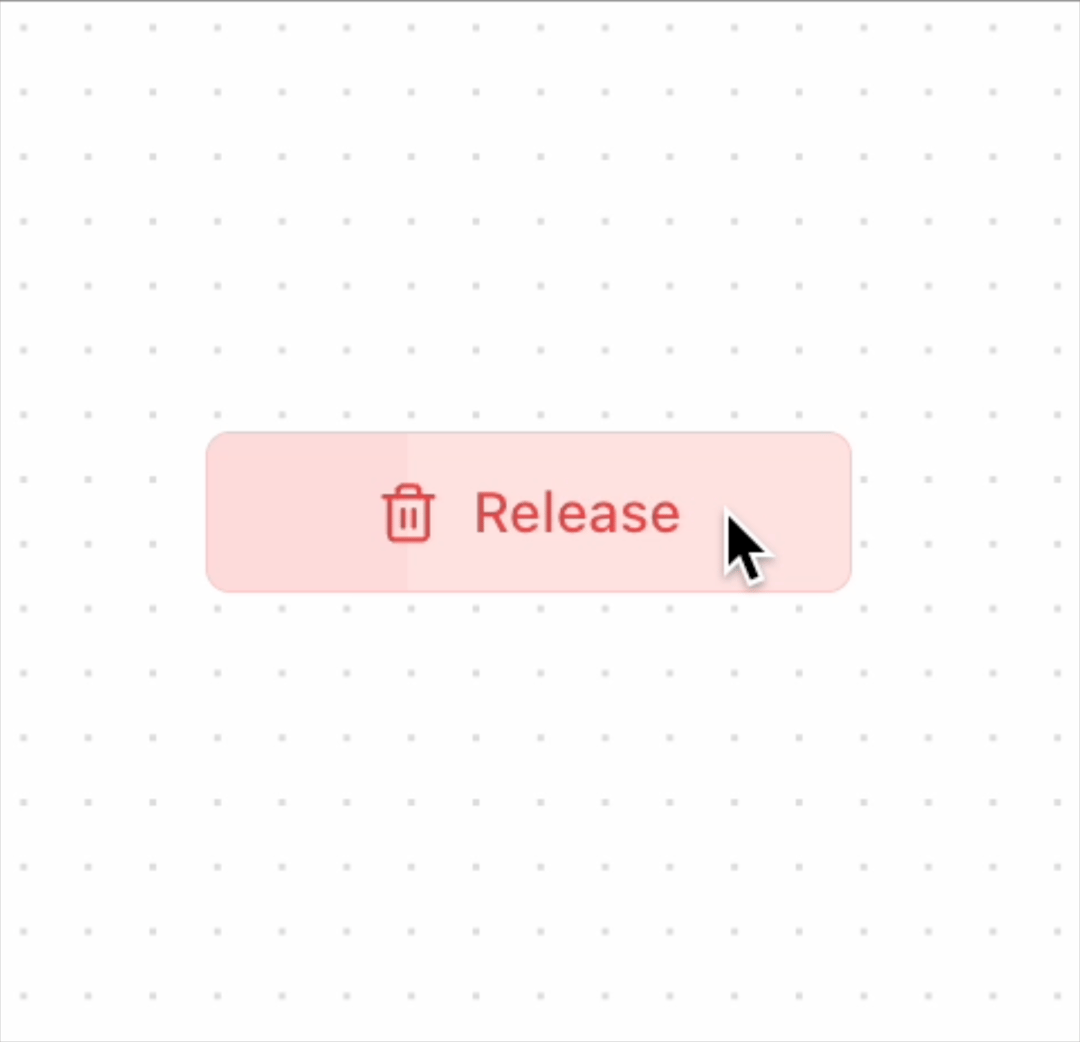
Hold and Release Button, great for deletion confirmation.
Built with React and Tailwind. Copy the prompt and paste it into Claude Code, Cursor or Lovable: your agent adds Hold and Release Button to your project and fits it to your theme.
Code
How Hold and Release Button is used: the demo's code. The component's own source comes with a free account.
Usage.tsx
import { ButtonHoldAndRelease } from "@/components/ui/hold-and-release-button"

function DemoBtnHoldAndRelease() {
    return <ButtonHoldAndRelease holdDuration={3000} />
}

export { DemoBtnHoldAndRelease }
Dependencies
More by Kokonut UI
View all

Background Paths
5.8K
Shape Landing Hero
3.6K
Beams Background
2.8K
Bento Grid
2.2K
v0 AI Chat
2.1K
AI Voice Input
1.7K
Hand Writing Text
1.3K
Action Search Bar
1.3K
More in Buttons
View all

Button
5
Texture Button
97

Button Group


Eclipse Button
39
Button
4

HeroUI Button Group

Base Button
4

App Store Button
458

