
About
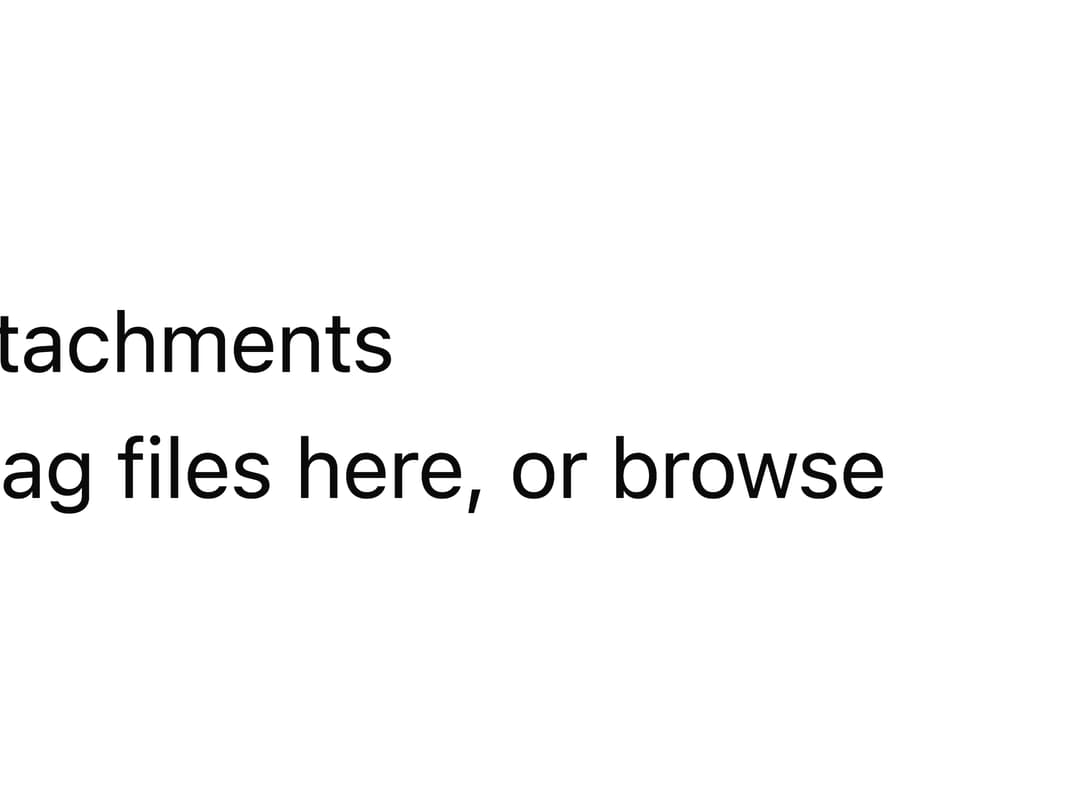
A controlled drag-and-drop file picker with an always-visible browse button, a selected-files list showing size, and per-file removal.
Built with React and Tailwind. Copy the prompt and paste it into Claude Code, Cursor or Lovable: your agent adds File Upload to your project and fits it to your theme.
Code
How File Upload is used: the demo's code. The component's own source comes with a free account.
Usage.tsx
"use client";

import * as React from "react";
import { FileUpload } from "@/components/ui/file-upload";

export default function FileUploadDemo() {
  const [files, setFiles] = React.useState<File[]>([]);

  return (
    <div className="flex w-full max-w-md flex-col gap-4 p-6">
      <FileUpload
        label="Attachments"
        files={files}
        onFilesChange={setFiles}
        multiple
        maxSizeBytes={5 * 1024 * 1024}
      />
    </div>
  );
}
More by mohammed-saif-ibrahim
View all
Chart
6
Select
Filter Builder
Command Palette

Checkbox

Activity Feed
More in Forms
View all

Premium Auth
524

Contact Card
1K

Book A Demo 1
73

Form
16

Login 1
53
Book A Demo 3
89
Hand-Drawn Checkbox
48
Login Card
6

