
About
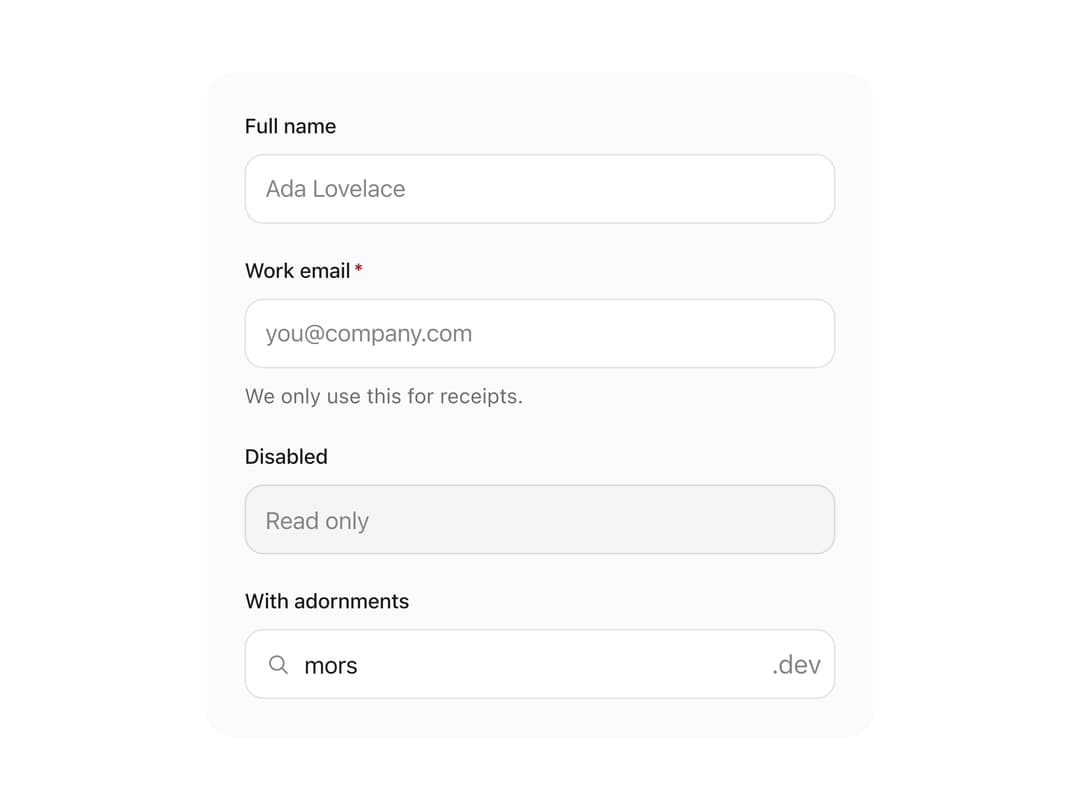
A labeled single-line text input with built-in validation error display, optional leading icon and trailing adornment, plus matching Textarea and SearchField variants that share the same field layout.
Built with React and Tailwind. Copy the prompt and paste it into Claude Code, Cursor or Lovable: your agent adds Text Field to your project and fits it to your theme.
Code
How Text Field is used: the demo's code. The component's own source comes with a free account.
Usage.tsx
import { TextField } from "@/components/ui/text-field";
import { Icon } from "@/components/ui/text-field-utils/icon";
import { useState } from "react";

export default function TextFieldDemo() {
  const [email, setEmail] = useState("");
  const emailError =
    email.length > 0 && !email.includes("@")
      ? "Enter a valid email address."
      : undefined;

  return (
    <div
      className="mors-scope"
      style={{
        display: "grid",
        gap: "1.25rem",
        width: "100%",
        maxWidth: 420,
        padding: "1.5rem",
        background: "var(--mors-color-canvas)",
        color: "var(--mors-color-text)",
        borderRadius: 16,
      }}
    >
      <TextField label="Full name" placeholder="Ada Lovelace" />
      <TextField
        label="Work email"
        type="email"
        placeholder="[email protected]"
        description="We only use this for receipts."
        value={email}
        error={emailError}
        onChange={(event) => setEmail(event.currentTarget.value)}
        required
      />
      <TextField label="Disabled" placeholder="Read only" disabled />
      <TextField
        label="With adornments"
        defaultValue="mors"
        startIcon={<Icon name="search" />}
        endAdornment={<span>.dev</span>}
      />
    </div>
  );
}
More by murad-sinatra
View all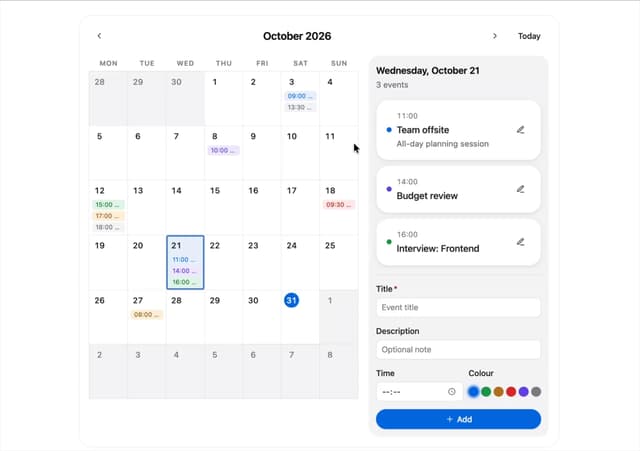
Event Calendar
3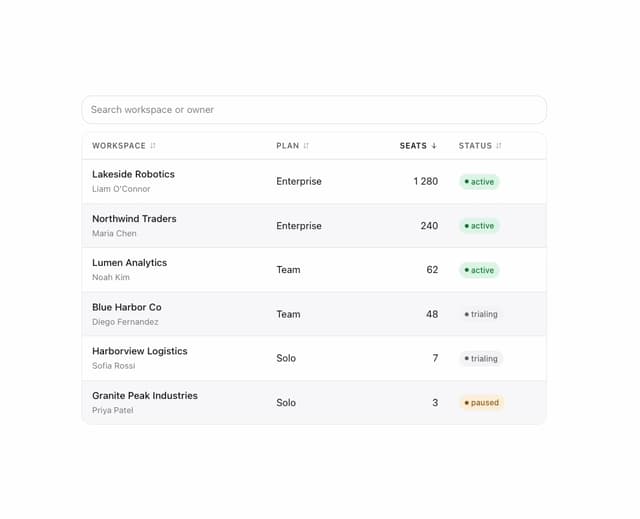
Table
2
Command Palette
1
Drawer
1
Toggles
1
Number Field
1
Tooltip
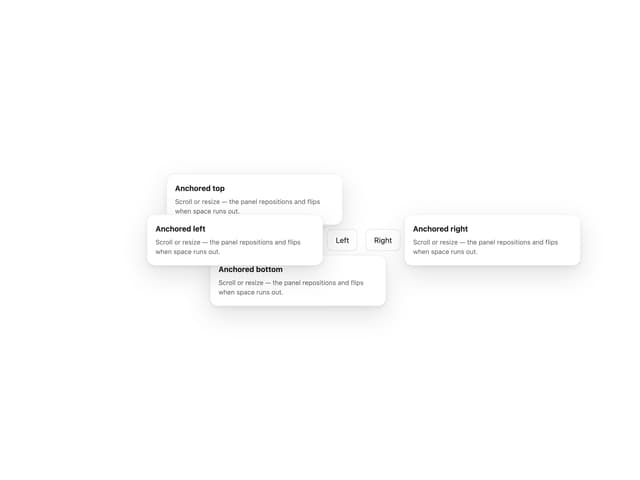
Popover
More in Forms
View all

Premium Auth
524

Contact Card
1K

Book A Demo 1
73

Form
16

Login 1
53
Book A Demo 3
89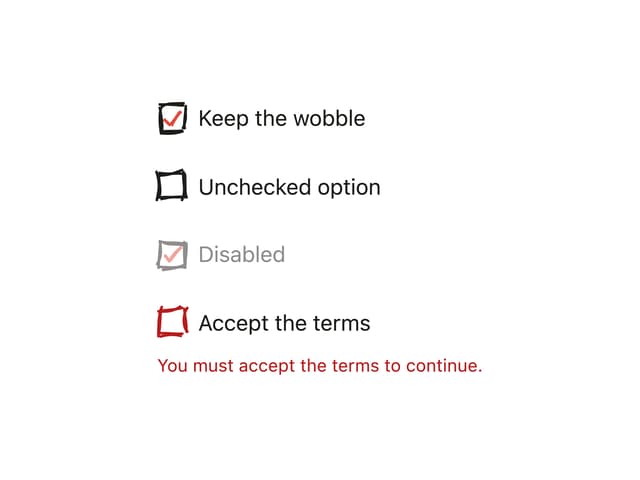
Hand-Drawn Checkbox
48
Login Card
6

