
About
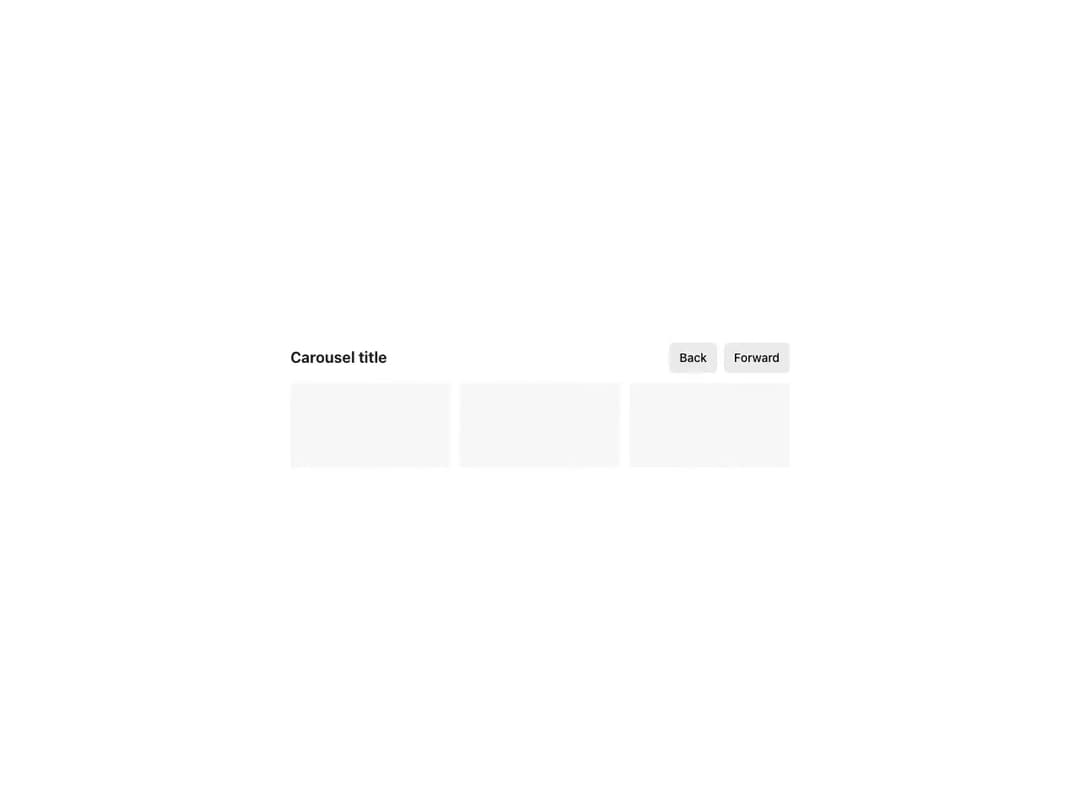
Displays its children as scrollable carousel items with a configurable number of visible items. Supports gap control aligned with your product grid, full-width bleed, onScroll/onChange event handlers for syncing with other components, and imperative navigation through instanceRef methods.
Built with React and Tailwind. Copy the prompt and paste it into Claude Code, Cursor or Lovable: your agent adds Reshaped Carousel to your project and fits it to your theme.
Code
How Reshaped Carousel is used: the demo's code. The component's own source comes with a free account.
Usage.tsx
import * as React from "react";
import { Button, Reshaped, Text, View } from "reshaped/bundle";
import type { CarouselInstance } from "reshaped/bundle";
import Carousel from "@/components/ui/reshaped-carousel";

function Component() {
  const carouselRef = React.useRef<CarouselInstance | null>(null);
  return (
    <View gap={3}>
      <View direction="row" gap={2} align="center">
        <View.Item grow>
          <Text variant="featured-6" weight="bold">
            Carousel title
          </Text>
        </View.Item>
        <Button onClick={() => carouselRef.current?.navigateBack()}>Back</Button>
        <Button onClick={() => carouselRef.current?.navigateForward()}>
          Forward
        </Button>
      </View>
      <Carousel visibleItems={3} instanceRef={carouselRef} navigationDisplay="hidden">
        <View backgroundColor="neutral-faded" height={25} />
        <View backgroundColor="neutral-faded" height={25} />
        <View backgroundColor="neutral-faded" height={25} />
        <View backgroundColor="neutral-faded" height={25} />
        <View backgroundColor="neutral-faded" height={25} />
        <View backgroundColor="neutral-faded" height={25} />
      </Carousel>
    </View>
  );
}

export default function Demo() {
  return (
    <Reshaped theme="slate">
      <div style={{ maxWidth: 640, width: "100%", margin: "0 auto", padding: 24 }}>
        <Component />
      </div>
    </Reshaped>
  );
}
Dependencies
More by reshaped
View all
Reshaped Toast
10
Reshaped Calendar
9
Reshaped Progress indicator
7
Reshaped Context menu
7
Reshaped Checkbox
7
Reshaped Autocomplete
7
Reshaped Pagination
6
Reshaped Slider
5
More in Buttons
View all

Button
5
Texture Button
97

Button Group


Eclipse Button
39
Button
4

HeroUI Button Group

Base Button
4

App Store Button
458

