
About
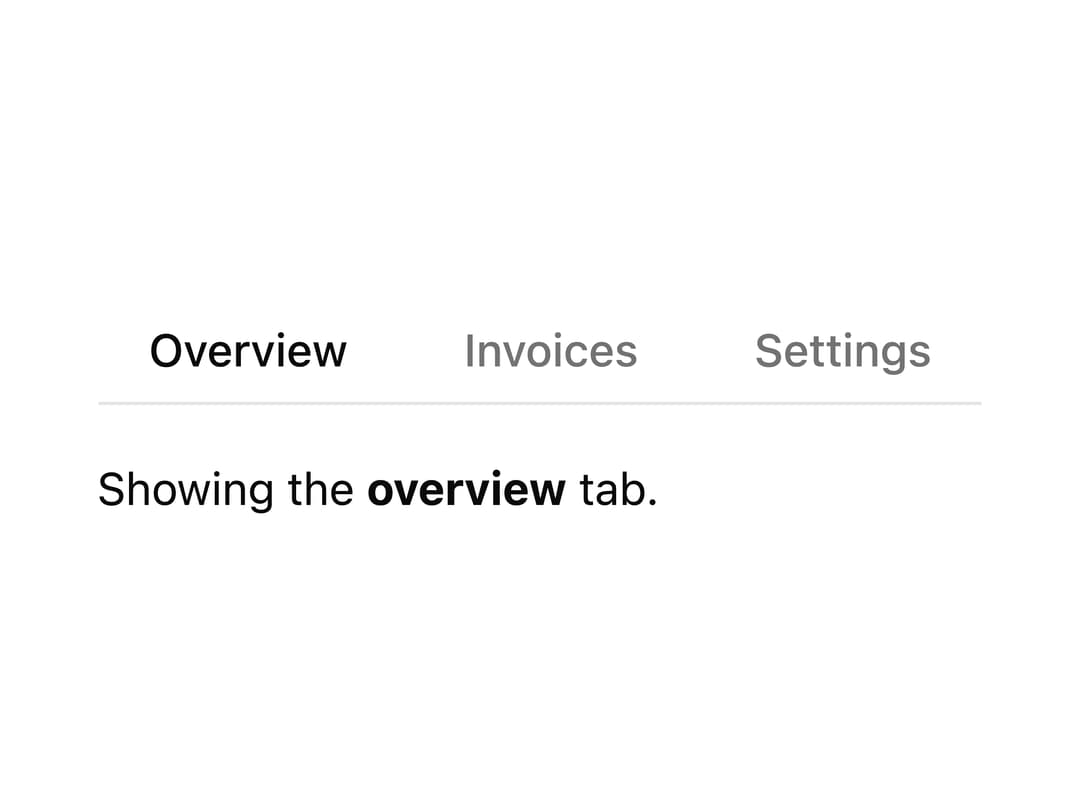
An accessible tab bar for switching between content panels or navigating between linked pages, with an animated active indicator, keyboard navigation, closable tabs and horizontal/vertical layouts.
Built with React and Tailwind. Copy the prompt and paste it into Claude Code, Cursor or Lovable: your agent adds Tabs to your project and fits it to your theme.
Code
How Tabs is used: the demo's code. The component's own source comes with a free account.
Usage.tsx
import Tabs from "@/components/ui/tabs";
import { useState } from "react";

export default function ValueTabs() {
  const [tab, setTab] = useState("overview");

  return (
    <div className="space-y-4">
      <Tabs
        items={[
          { label: "Overview", value: "overview" },
          { label: "Invoices", value: "invoices" },
          { label: "Settings", value: "settings" },
        ]}
        onChange={setTab}
        value={tab}
      />
      <p className="text-sm">
        Showing the <strong>{tab}</strong> tab.
      </p>
    </div>
  );
}
Dependencies
More by robertlib
View all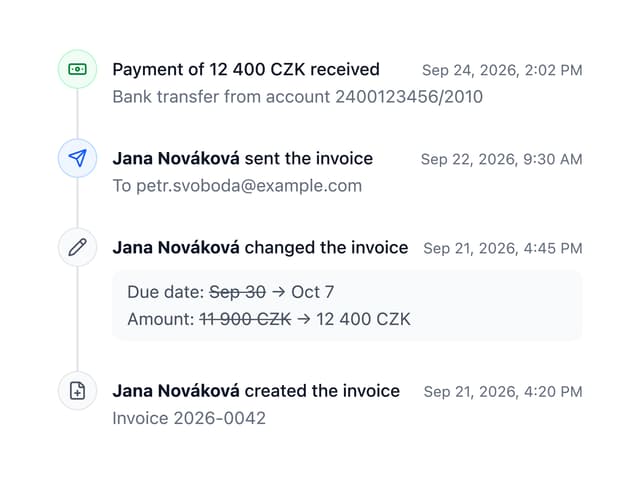
Timeline
8
Spinner
3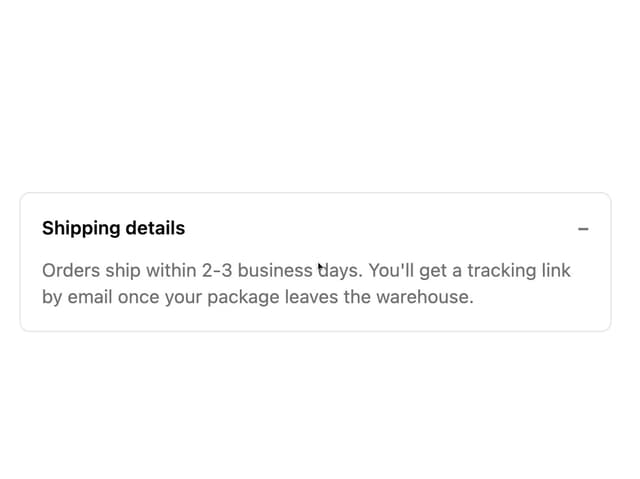
Collapsible Content
1
Chip
1
Switch
1
Progress Indicator
1
Avatar
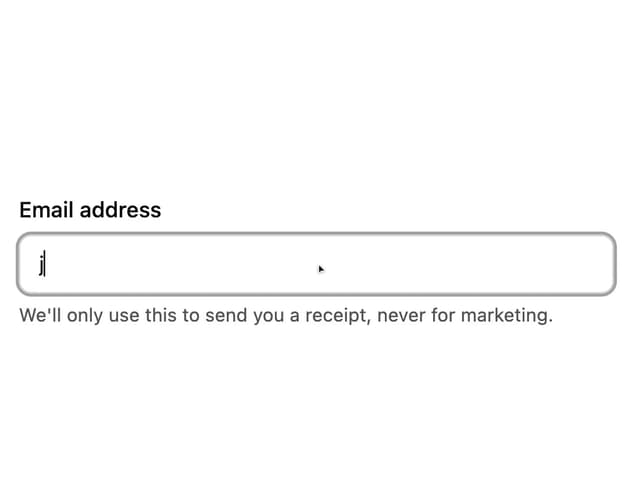
Form Description
More in Navigation
View all

Sidebar
286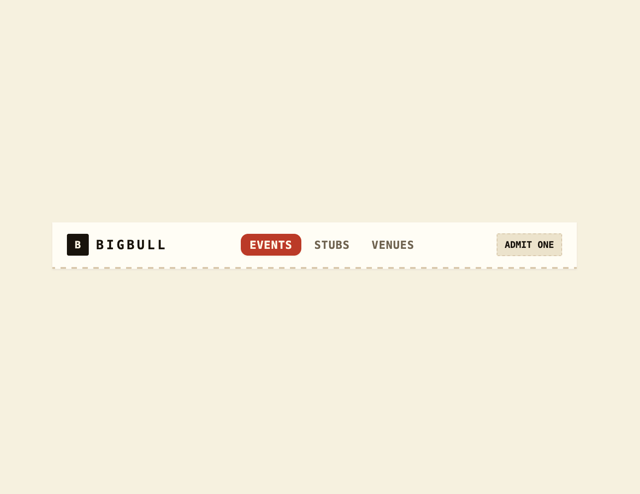
Navbar
1

Tabs
15

Sidebar
348
Numberless Pagination with Text
11
Pagination
108
Oversized 404 Numeral
57

Breadrcrumb
4

