
About
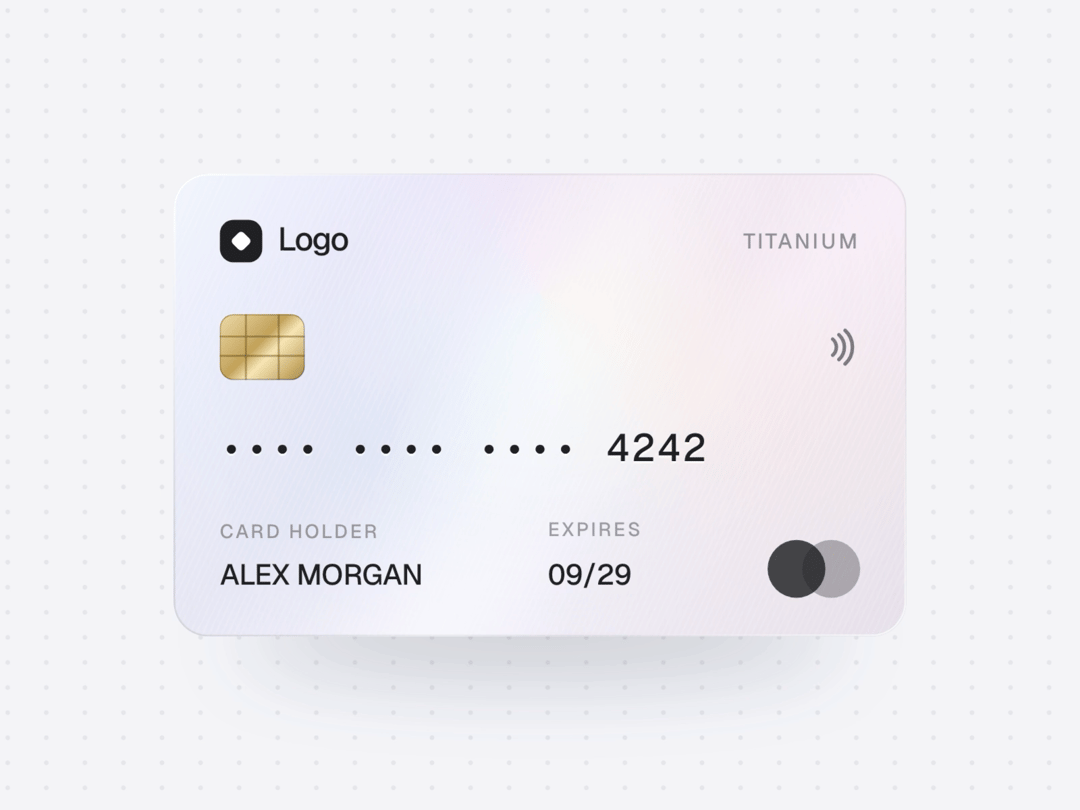
Pearl titanium card with a thin-film hologram, HIG style, Geist type. Tilts with the cursor or the phone, foil and glare follow the light, drag to spin with inertia, tap to flip, number and CVV scramble in on reveal. Zero dependencies.
Built with React and Tailwind. Copy the prompt and paste it into Claude Code, Cursor or Lovable: your agent adds Holo Card to your project and fits it to your theme.
Code
How Holo Card is used: the demo's code. The component's own source comes with a free account.
Usage.tsx
"use client";

import * as React from "react";
import { HoloCard, type HoloCardHandle } from "@/components/ui/holo-card";

/* Live controls (21st Demo Controls). */
const settings = {
  maxTilt: 14,
  foil: 1,
};

/* Geist + Geist Mono from Google Fonts */
function useGeist() {
  React.useEffect(() => {
    if (document.getElementById("geist-font")) return;
    const l = document.createElement("link");
    l.id = "geist-font";
    l.rel = "stylesheet";
    l.href = "https://fonts.googleapis.com/css2?family=Geist:wght@400;500;600;700&family=Geist+Mono:wght@500;600&display=swap";
    document.head.appendChild(l);
  }, []);
}

export default function HoloCardDemo(props: Partial<typeof settings>) {
  const s = { ...settings, ...props };
  useGeist();
  const card = React.useRef<HoloCardHandle>(null);
  const [shown, setShown] = React.useState(false);
  const [needsMotion, setNeedsMotion] = React.useState(false);

  React.useEffect(() => {
    const DOE = (typeof DeviceOrientationEvent !== "undefined" ? DeviceOrientationEvent : undefined) as unknown as { requestPermission?: unknown } | undefined;
    setNeedsMotion(window.matchMedia("(hover: none)").matches && typeof DOE?.requestPermission === "function");
  }, []);

  const pill = "h-8 rounded-full px-3.5 text-[13px] font-medium outline-none transition-transform active:scale-[.97] focus-visible:ring-2 focus-visible:ring-[#007AFF]";

  return (
    <div
      className="flex min-h-screen w-full flex-col items-center justify-center gap-6 overflow-hidden px-4 py-10"
      style={{
        fontFamily: "Geist, -apple-system, BlinkMacSystemFont, Inter, 'Segoe UI', Roboto, sans-serif",
        /* dot grid from the "work with AI" block of vasnev.art */
        backgroundColor: "#F2F2F7",
        backgroundImage: "radial-gradient(circle, rgba(0,0,0,.07) 0 1px, transparent 1.4px)",
        backgroundSize: "20px 13px",
        backgroundPosition: "-6px -1px",
      }}
    >
      <HoloCard ref={card} maxTilt={s.maxTilt} foil={s.foil} onReveal={setShown} />

      <p className="m-0 mt-2 max-w-[380px] text-center text-[13px] leading-[18px] tracking-[-0.01em]" style={{ color: "rgba(60,60,67,.6)" }}>
        Move the cursor over the card or tilt your phone. Drag to spin, tap to flip, tap the number to reveal it.
      </p>
      <div className="flex flex-wrap justify-center gap-2">
        <button type="button" onClick={() => card.current?.flip()} className={pill} style={{ background: "#007AFF", color: "#fff" }}>
          Flip
        </button>
        <button type="button" onClick={() => card.current?.reveal()} className={pill} style={{ background: "rgba(118,118,128,.12)", color: "#000" }}>
          {shown ? "Hide" : "Reveal"}
        </button>
        {needsMotion && (
          <button
            type="button"
            onClick={async () => {
              if (await card.current?.enableMotion()) setNeedsMotion(false);
            }}
            className={pill}
            style={{ background: "rgba(118,118,128,.12)", color: "#000" }}
          >
            Use motion
          </button>
        )}
      </div>
    </div>
  );
}
More by Vasnev.art
View all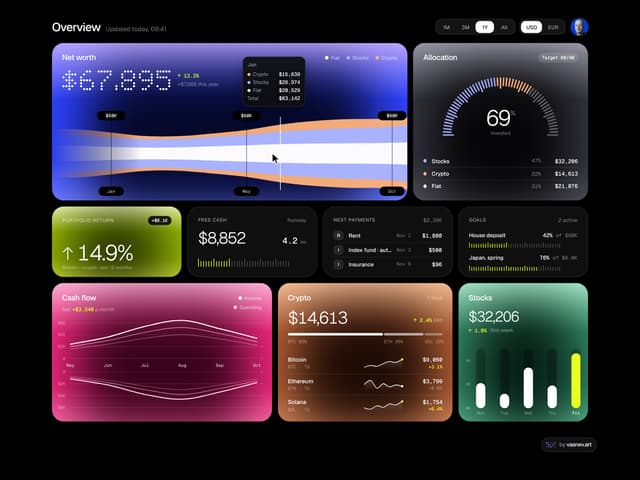

Finance Bento
864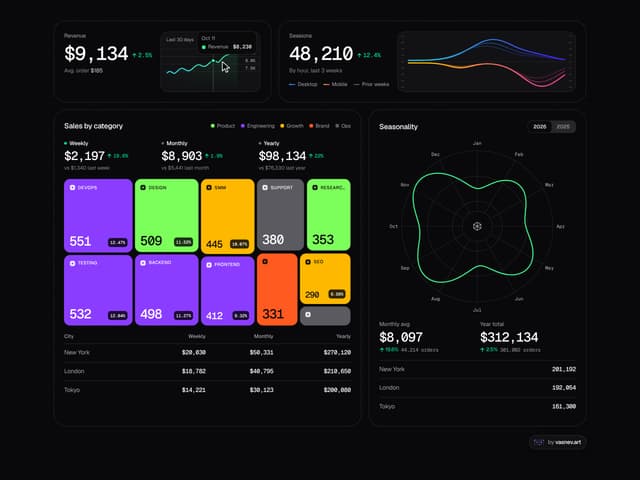
Analytics Bento
730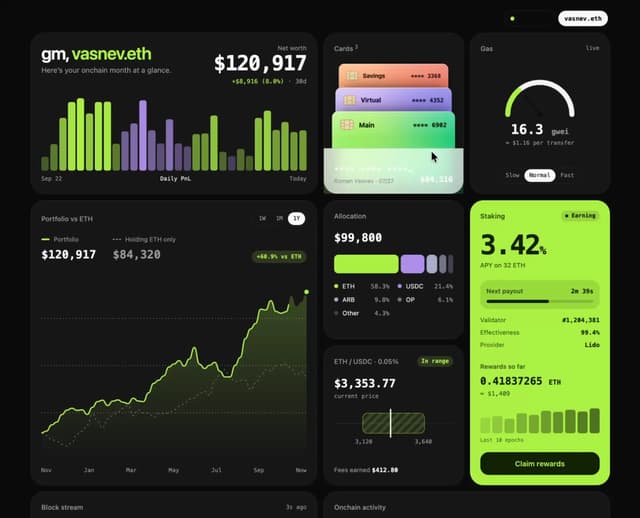
Web3Bento
567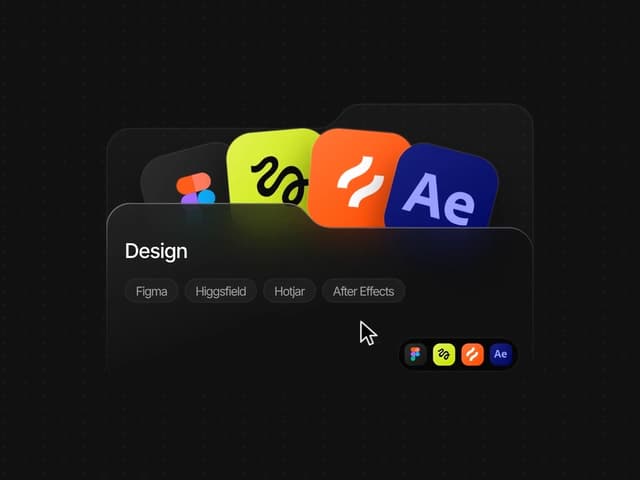
Icon Folder
257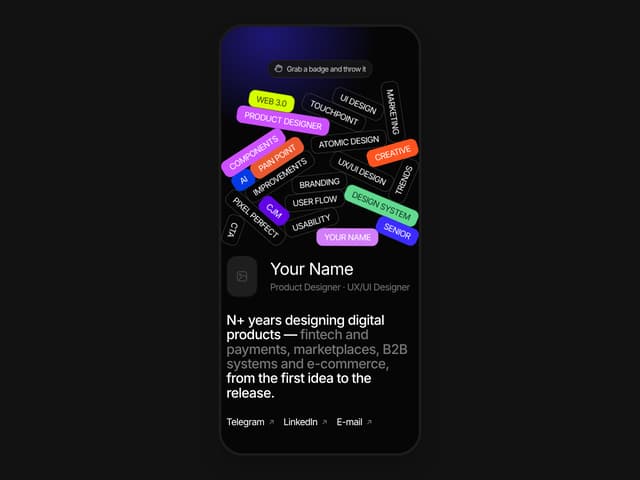
Portfolio Hero
103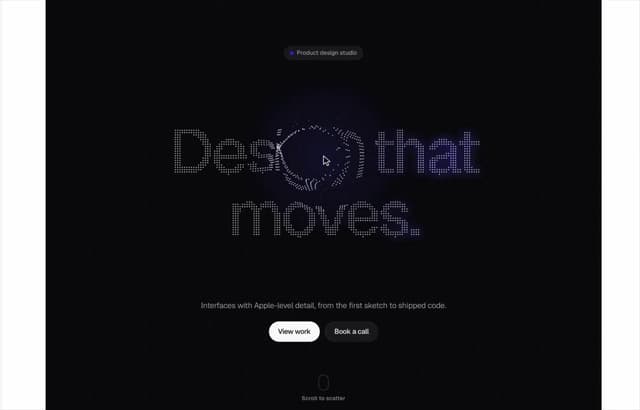
Dot Field
81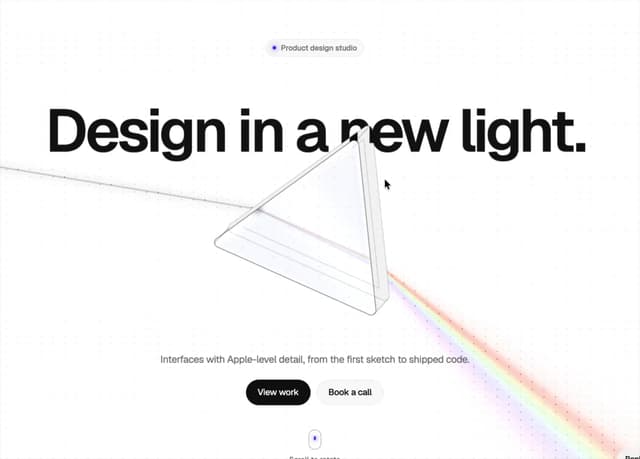
Glass Prism Hero
78
Time Ruler
34
More in Cards
View all

Course Design Cards
1.1K

Statistics Card 7
301
Statistics Card 2
272
Stats cards with links
82

Interactive Tech Stack Bento Grid with Hover Effects
184

Card Studio
35
Card
70

Card
18
