About
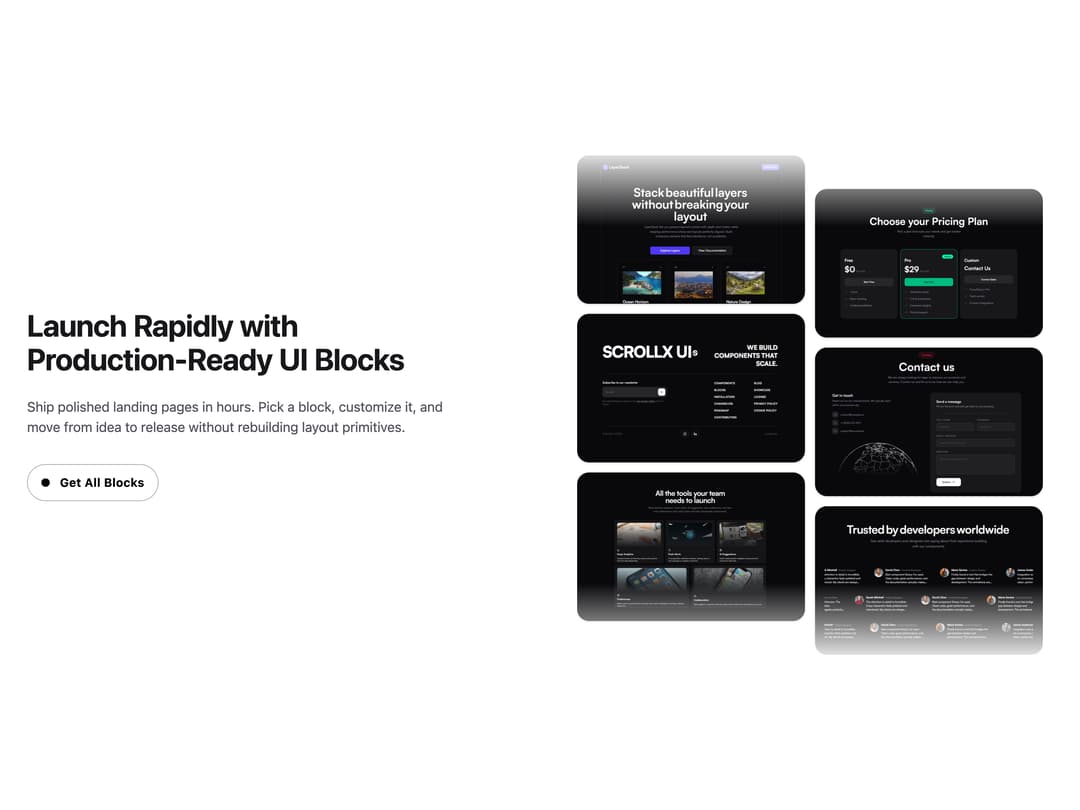
A call-to-action section pairing headline copy and a button with a two-column staggered gallery of images that animate into view on scroll.
Built with React and Tailwind. Copy the prompt and paste it into Claude Code, Cursor or Lovable: your agent adds CTA Section With Floating Gallery to your project and fits it to your theme.
Code
How CTA Section With Floating Gallery is used: the demo's code. The component's own source comes with a free account.
Usage.tsx
import CTAWithFloatingGallery from "@/components/ui/cta-section-with-floating-gallery";

export default function DemoPage() {
  return <CTAWithFloatingGallery />;
}
Dependencies
More by scrollxui
View all

Contact with Globe
346
Features With Panel
302
Logo Cloud Marquee
154
Hero Section with Cards
148
FAQ Accordion
143
Particles
99
Hero With Pixel Background
81
Testimonials Marquee
71
More in CTAs
View all
call to action
31

Cta 4
293

Call To Action
29

Call to Action 01
51

Newsletter Signup Section
23

Hero
1.3K

Responsive Hero Banner
2K
Integrations Section
587
