
About
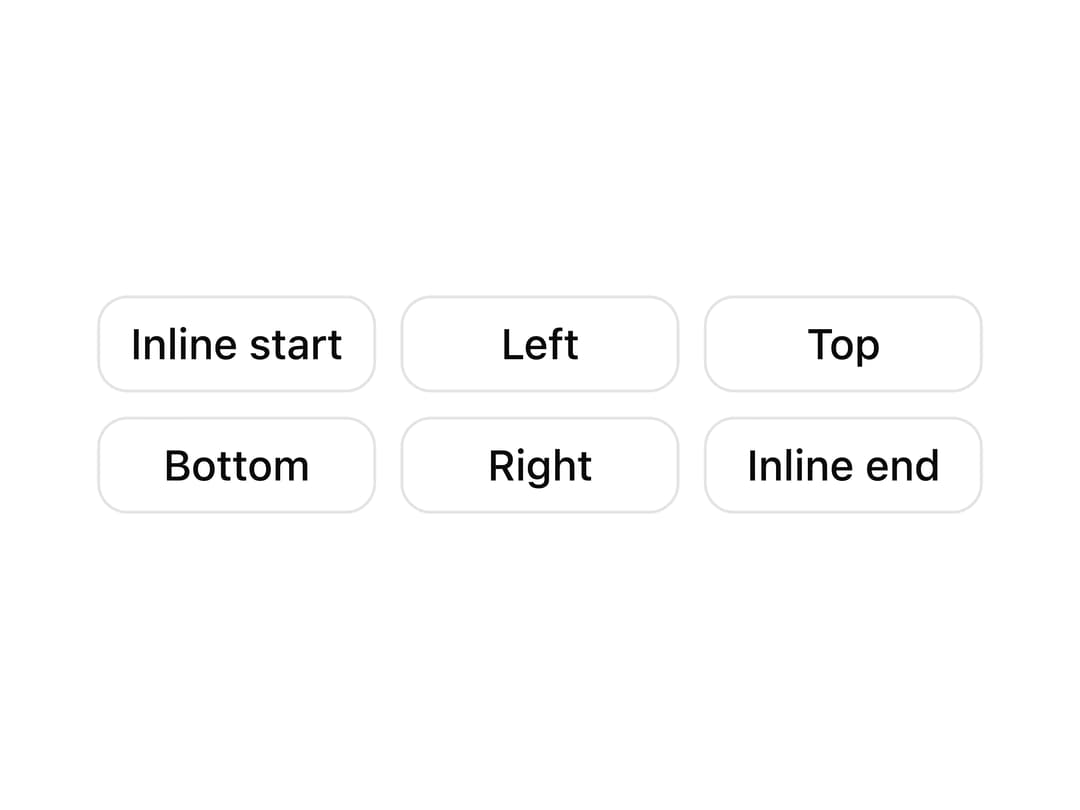
A grid of buttons that each open a tooltip from a different side (top, bottom, left, right, and logical inline start/end) so you can preview tooltip positioning options at once.
Built with React and Tailwind. Copy the prompt and paste it into Claude Code, Cursor or Lovable: your agent adds Tooltip Sides Grid to your project and fits it to your theme.
Code
How Tooltip Sides Grid is used: the demo's code. The component's own source comes with a free account.
Usage.tsx
import CTooltip2 from "@/components/ui/c-tooltip-2";
import { TooltipProvider } from "@/components/ui/c-tooltip-2-utils/tooltip";

export default function CTooltip2Demo() {
  return (
    <TooltipProvider>
      <div className="flex min-h-[320px] w-full items-center justify-center p-10">
        <CTooltip2 />
      </div>
    </TooltipProvider>
  );
}
More by Sean Hello
View all

3D Testimonails
3.4K
Line Charts 9
656
Alert
494
Line Charts 6
392
Area Charts 1
391
Scroll Area
376
Navigation Menu
319
Area Charts 2
318
More in Buttons
View all
Button
5
Texture Button
97

Button Group


Eclipse Button
39
Button
4

HeroUI Button Group

Base Button
4

App Store Button
458

