
About
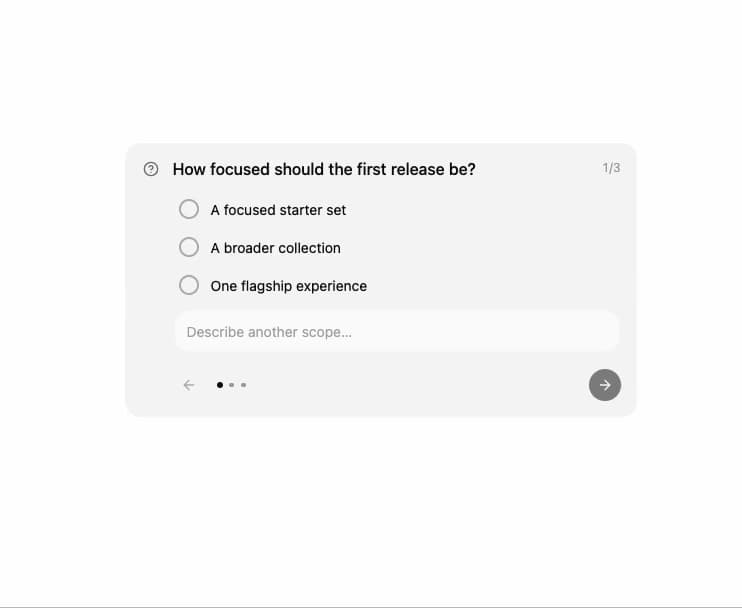
A card an AI agent uses mid-task to ask the user to approve, reject, request changes, or answer a short set of questions.
Built with React and Tailwind. Copy the prompt and paste it into Claude Code, Cursor or Lovable: your agent adds Approval Card to your project and fits it to your theme.
Code
How Approval Card is used: the demo's code. The component's own source comes with a free account.
Usage.tsx
import { ApprovalCard } from "@/components/ui/approval-card";

const QUESTIONS = [
  {
    id: "scope",
    title: "How focused should the first release be?",
    options: [
      { value: "focused", label: "A focused starter set" },
      { value: "broad", label: "A broader collection" },
      { value: "flagship", label: "One flagship experience" },
    ],
    allowCustom: true,
    customPlaceholder: "Describe another scope…",
  },
  {
    id: "checks",
    title: "Which checks should block publishing?",
    description:
      "Select every check the agent must pass before it can continue.",
    multiple: true,
    options: [
      { value: "types", label: "Type safety" },
      { value: "accessibility", label: "Accessibility" },
      { value: "registry", label: "Registry validation" },
    ],
  },
  {
    id: "preserve",
    title: "Anything the agent should preserve?",
    allowCustom: true,
    customPlaceholder: "Add a final constraint…",
  },
];

export default function ApprovalCardQuestionPreview() {
  return (
    <div className="relative h-[470px] w-full max-w-lg">
      <ApprovalCard
        questions={QUESTIONS}
        status="pending"
        onSubmit={() => {}}
        result="Three responses sent to the agent."
      />
    </div>
  );
}
Dependencies
More by sidiora-labs
View all
Preview Rail
5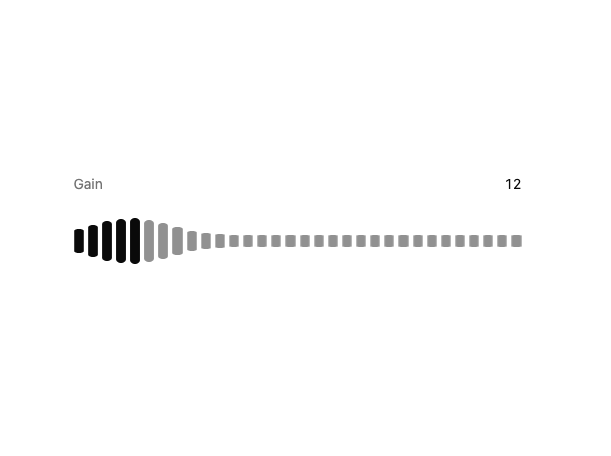
Wave Slider
5
Icon Accordion
3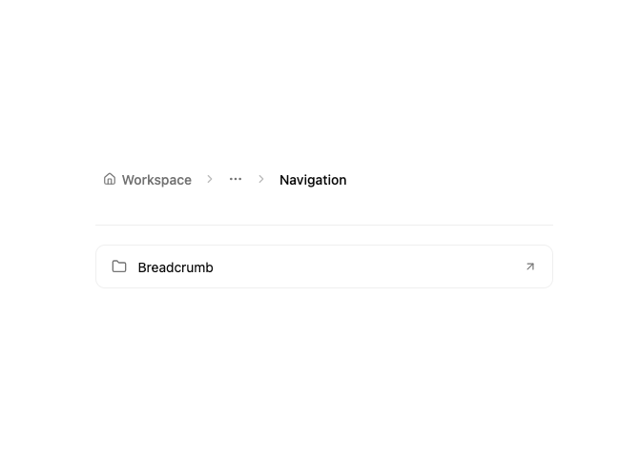
Motion Breadcrumb
2
Expandable Tabs
2
Morph Confirm
2
Not Found
1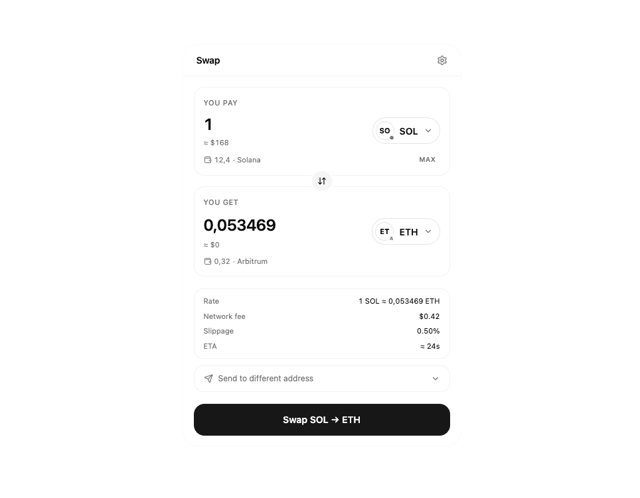
Swap
1
More in Cards
View all

Course Design Cards
1.1K

Statistics Card 7
301
Statistics Card 2
272
Stats cards with links
82

Interactive Tech Stack Bento Grid with Hover Effects
184

Card Studio
35
Card
70

Card
18
