
About
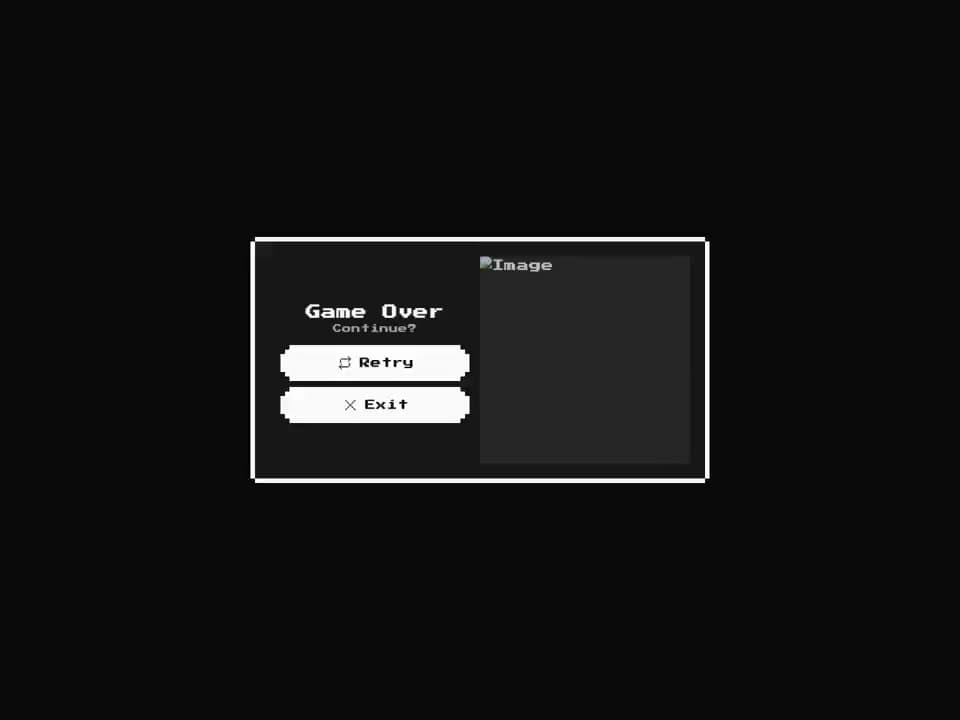
An 8-bit styled game over screen block built on the retro card and button primitives. Shows a 'Game Over / Continue?' panel with pixel-art Retry and Exit buttons and an optional skull artwork pane.
Built with React and Tailwind. Copy the prompt and paste it into Claude Code, Cursor or Lovable: your agent adds 8bit Game Over to your project and fits it to your theme.
Code
How 8bit Game Over is used: the demo's code. The component's own source comes with a free account.
Usage.tsx
"use client";

import GameOver from "@/components/ui/8bit-game-over";

export default function Default() {
  return (
    <div className="flex w-full min-h-screen items-center justify-center bg-background p-8 retro">
      <GameOver className="w-full max-w-[600px]" />
    </div>
  );
}
Dependencies
More by OrcDev
View all
8bit CTA 1 — Comparison
298
8bit 404 Page
172
8bit Loading Screen
106
8bit Changelog
77
8bit FAQ 2 — Card Grid
61
8-bit Login Form
59
8-bit Stats Dashboard
56
8bit Timeline Horizontal
54
More in Buttons
View all

Button
5
Texture Button
97

Button Group


Eclipse Button
39
Button
4

HeroUI Button Group

Base Button
4

App Store Button
458

