

About
A dual-handle range slider that lets users select a min and max value between 25 and 50 on a 0-100 scale.
Built with React and Tailwind. Copy the prompt and paste it into Claude Code, Cursor or Lovable: your agent adds Slider Range to your project and fits it to your theme.
Code
How Slider Range is used: the demo's code. The component's own source comes with a free account.
Usage.tsx
import { SliderRange } from "@/components/ui/slider-range";

export default function SliderRangeDemo() {
  return (
    <div className="flex w-full items-center justify-center p-10">
      <SliderRange />
    </div>
  );
}
More by uiable
View all

Feature Highlights Grid
388
Card Tabs
109
Financial Bento Grid
85
Chart Tooltip
72
Portfolio Showcase Grid
68
Marketing Hero Section
64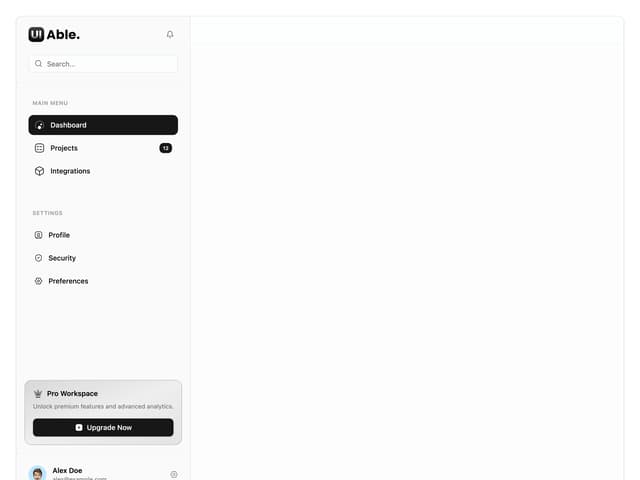
Sidebar with Search and Profile
54
Position Sonner
48
More in Forms
View all

Premium Auth
524

Contact Card
1K

Book A Demo 1
73

Login 1
53

Form
137

Card Studio
41

Modern & Stunning sign in
1.6K
SignInPage
668
