
About
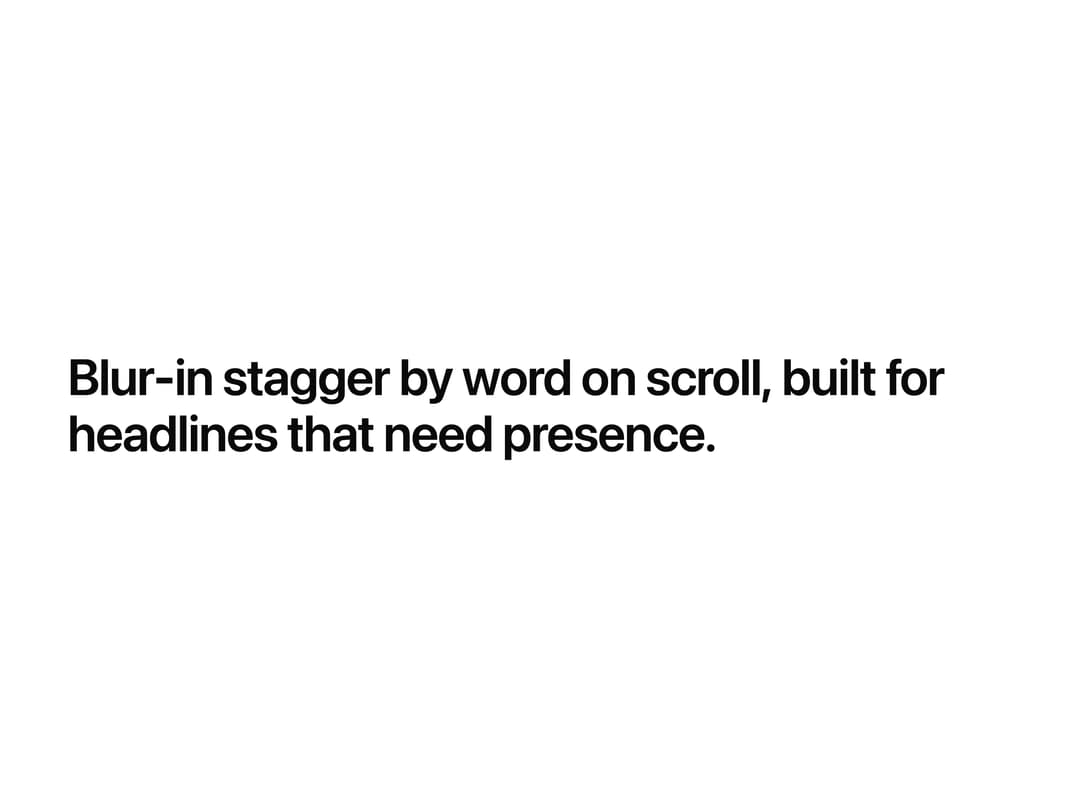
A headline text component that blurs and fades in word by word or letter by letter as it scrolls into view.
Built with React and Tailwind. Copy the prompt and paste it into Claude Code, Cursor or Lovable: your agent adds Text Blur Reveal to your project and fits it to your theme.
Code
How Text Blur Reveal is used: the demo's code. The component's own source comes with a free account.
Usage.tsx
import { TextBlurReveal } from "@/components/ui/text-blur-reveal";

export default function TextBlurRevealDemo() {
  return (
    <div className="flex h-screen w-full items-center justify-center bg-background px-6">
      <TextBlurReveal
        text="Blur-in stagger by word on scroll, built for headlines that need presence."
        className="max-w-2xl text-center text-3xl font-semibold tracking-tight text-foreground sm:text-4xl"
        animateBy="words"
        startOnView={false}
      />
    </div>
  );
}
Dependencies
More by Wensity Labs
View all

Sidebar
286
Calendar
189
Button
87
Color Picker
71
Image Comparison Slider
65
AI Prompt Input
54
Text Morphing
42
Navigation Menu
36
More in Text
View all

Vertical Cut Reveal Characters
110

Blur Reveal
313
Vapour Text Effect
2K

NeonRGBTextEffect
145

Rainbow Text Effect
47

Shine Border
968
Apple Hello Effect
620
Text Highlight
72

