
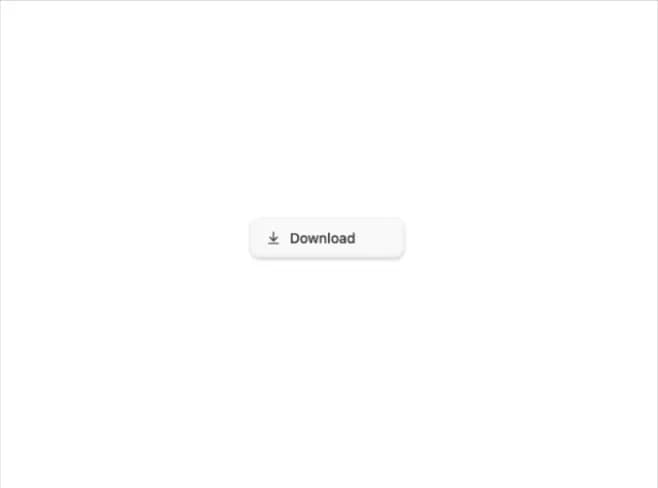
About
A button that morphs through download, downloading, and downloaded states with a crossfading icon and label so users get inline progress feedback without a separate progress bar.
Built with React and Tailwind. Copy the prompt and paste it into Claude Code, Cursor or Lovable: your agent adds Download Button to your project and fits it to your theme.
Code
How Download Button is used: the demo's code. The component's own source comes with a free account.
Usage.tsx
import { DownloadButton } from "@/components/ui/download-button";

export default function DownloadButtonDemo() {
  const fetchFile = () => {
    // simulate a file download trigger
    console.log("downloading file...");
  };

  return (
    <div className="flex min-h-[240px] w-full items-center justify-center">
      <DownloadButton label="Download" onDownload={fetchFile} />
    </div>
  );
}
Dependencies
More by bidyut10
View all
Honey Ember Background
56
Sheen Pill Button
47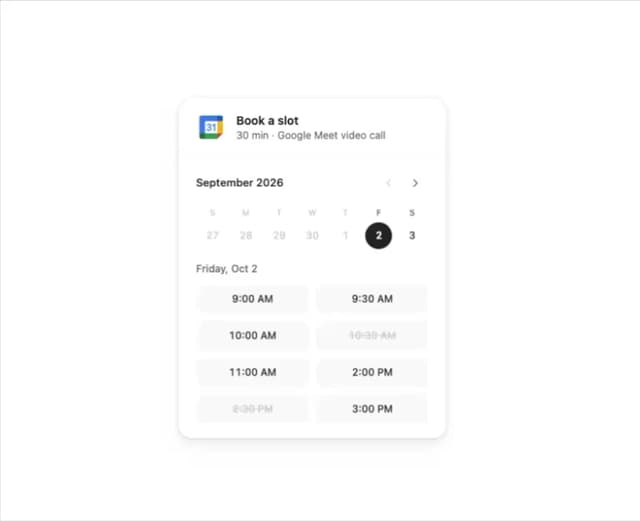
Booking Slot Calendar
32
Tactile 3D Button
13
Add to Cart Button
13
Date Range Picker Card
3
More in Buttons
View all

Button
5
Texture Button
97

Button Group


Eclipse Button
39
Button
4

HeroUI Button Group

Base Button
4

App Store Button
458

