
About
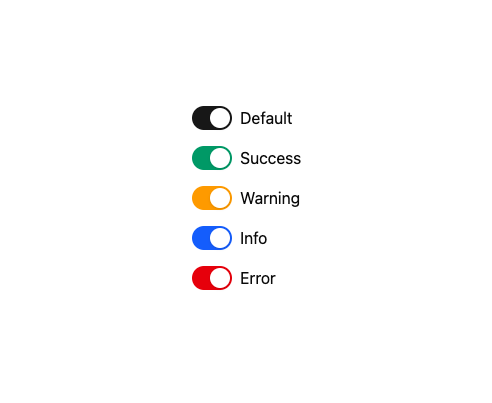
A themeable on/off toggle switch with semantic colors (default, success, warning, info, error), three sizes, controlled/uncontrolled state, and slot customization for the track and handle — ported to React from Darshan Rajadhyaksha's RockSolid SolidJS component library.
Built with React and Tailwind. Copy the prompt and paste it into Claude Code, Cursor or Lovable: your agent adds Switch to your project and fits it to your theme.
Code
How Switch is used: the demo's code. The component's own source comes with a free account.
Usage.tsx
import Switch from "@/components/ui/switch";

export default function SwitchColorsDemo() {
  return (
    <div className="flex flex-col gap-4">
      <div className="flex items-center gap-2">
        <Switch id="default" color="default" defaultChecked />
        <label htmlFor="default">Default</label>
      </div>
      <div className="flex items-center gap-2">
        <Switch id="success" color="success" defaultChecked />
        <label htmlFor="success">Success</label>
      </div>
      <div className="flex items-center gap-2">
        <Switch id="warning" color="warning" defaultChecked />
        <label htmlFor="warning">Warning</label>
      </div>
      <div className="flex items-center gap-2">
        <Switch id="info" color="info" defaultChecked />
        <label htmlFor="info">Info</label>
      </div>
      <div className="flex items-center gap-2">
        <Switch id="error" color="error" defaultChecked />
        <label htmlFor="error">Error</label>
      </div>
    </div>
  );
}
Dependencies
More by darshan-rajadhyaksha
View all
Backdrop
1
Avatar

Chip
Progress Bar
Accessible Dialog
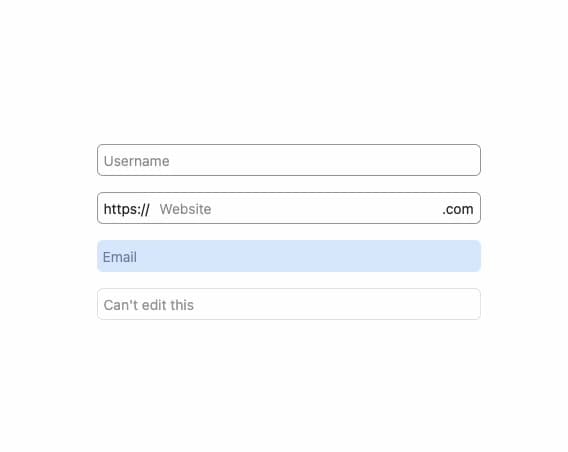
Input
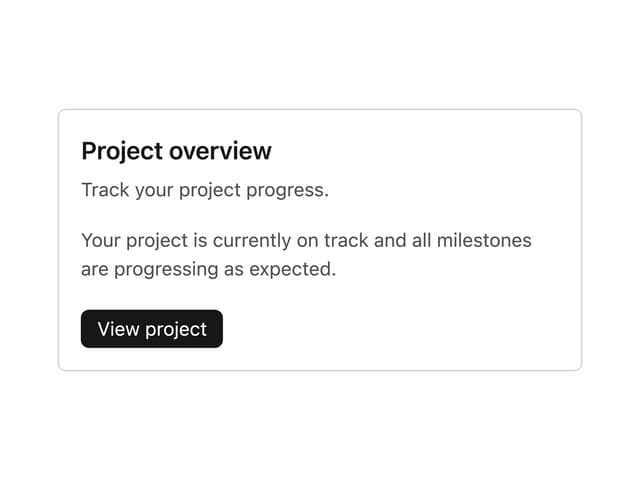
Card Content
Breadcrumbs