

About
A sculpted, living status field that changes contour and color as an agent thinks, works, asks for input, or finishes.
Built with React and Tailwind. Copy the prompt and paste it into Claude Code, Cursor or Lovable: your agent adds Agent State to your project and fits it to your theme.
Code
How Agent State is used: the demo's code. The component's own source comes with a free account.
Usage.tsx
"use client";

import * as React from "react";
import { AgentState, type AgentStatus } from "@/components/ui/agent-state";

const states: AgentStatus[] = ["idle", "thinking", "working", "needs-input", "complete", "error"];
const names: Record<AgentStatus, string> = {
  idle: "Idle",
  thinking: "Thinking",
  working: "Working",
  "needs-input": "Your decision",
  complete: "Complete",
  error: "Error",
};
const descriptions: Record<AgentStatus, string> = {
  idle: "A little space for your next idea.",
  thinking: "Connecting the useful pieces.",
  working: "Taking the next step, with you in control.",
  "needs-input": "One choice before we continue.",
  complete: "Everything is ready to review.",
  error: "Something interrupted this step. You can try again.",
};

/** The demo brings its own 000h canvas, so it looks right on any host page (the component package sets nothing global). */
function DemoSurface({ children }: { children: import("react").ReactNode }) {
  return <div className="grid min-h-screen w-full place-items-center bg-[var(--v-canvas)] p-4 font-[family-name:var(--font-text)] text-[length:var(--fs-body)] leading-[var(--lh-body)] text-[var(--v-text)]">{children}</div>;
}

export default function Demo() {
  const [status, setStatus] = React.useState<AgentStatus>("thinking");
  return (
    <DemoSurface>
      <div className="flex min-h-[420px] w-full flex-col items-center justify-center gap-8 p-8">
        <AgentState status={status} size="lg" description={descriptions[status]} />
        <div role="group" aria-label="Preview agent state" className="flex flex-wrap justify-center gap-2">
          {states.map((state) => (
            <button
              key={state}
              type="button"
              aria-pressed={state === status}
              onClick={() => setStatus(state)}
              className="rounded-full border border-[var(--v-border)] bg-[var(--v-paper)] px-4 py-2 text-sm font-medium text-[var(--v-text)] transition-colors hover:bg-[var(--v-beige)] aria-pressed:border-[var(--v-ink)] aria-pressed:bg-[var(--v-ink)] aria-pressed:text-[var(--v-on-ink)]"
            >
              {names[state]}
            </button>
          ))}
        </div>
        <p className="text-xs text-[var(--v-text-2)]">Select a state to explore its movement.</p>
      </div>
    </DemoSurface>
  );
}
Dependencies
More by Sanjay Kumar
View all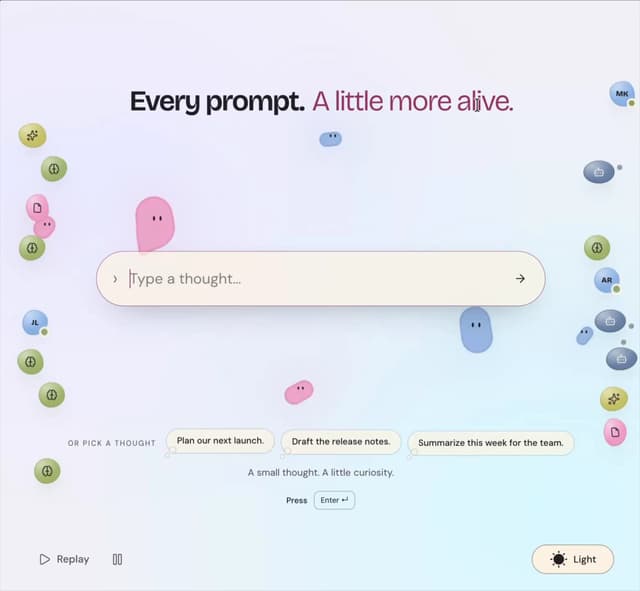
Prompt Bond
123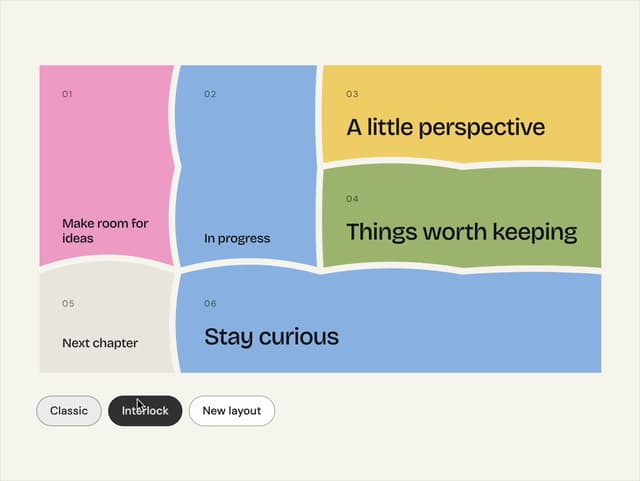
Bento Grid
42
Theme Toggle
31
Variable Proximity
19
Dock
17
Shape
15
Animated Icon
13
Hero Button
13
More in AI chats
View all

AI Actions
326
Agent Chat
18
Message Thread
45

System Message
58
Attachments
22
Color Picker
110
Environment Variables
14

AI Diff
74


